Changelog

Follow new updates and improvements to BFG.

BFG Release Notes 2026.02.2

New Feature

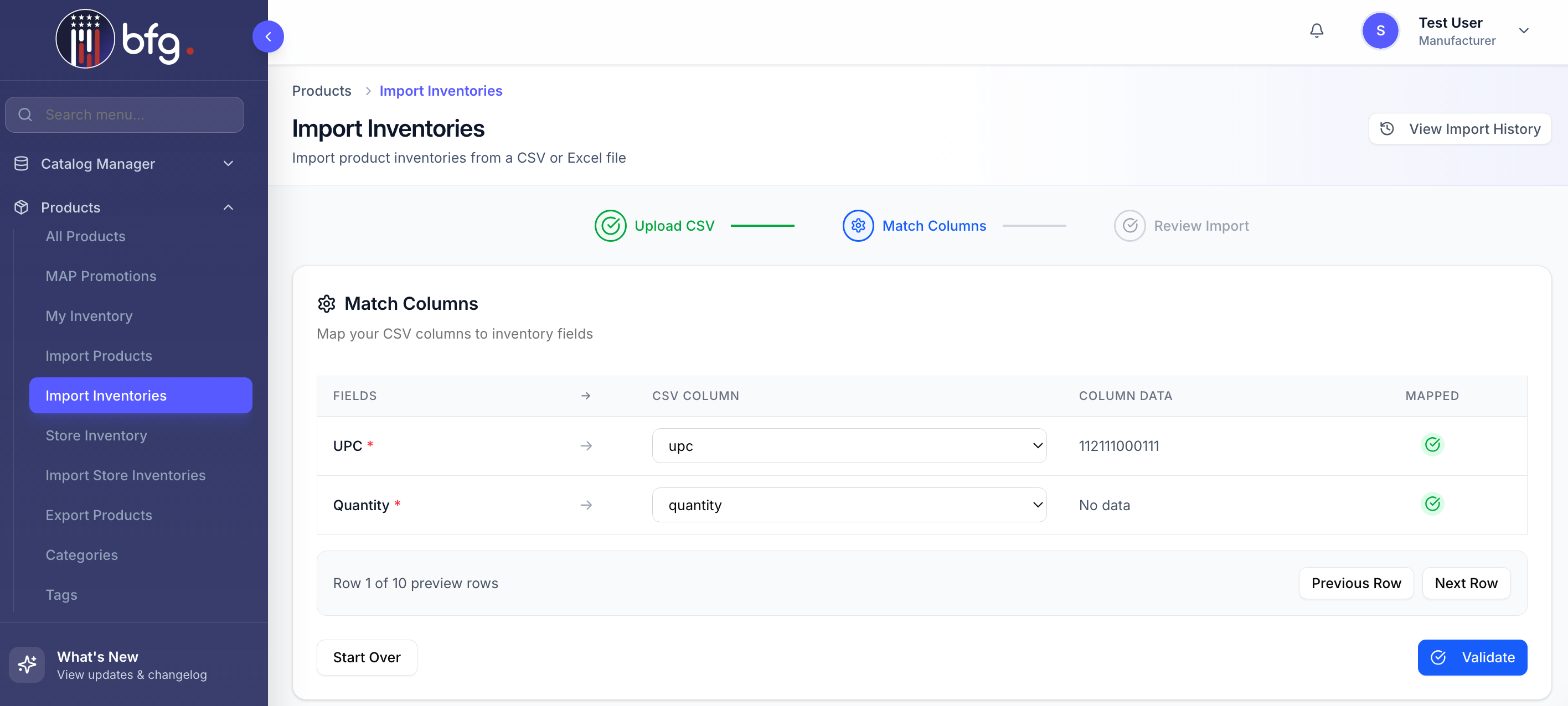
Manufacturer Inventory Import Support

Manufacturers can now bulk update inventory for their own products through inventory import. This enhancement adds support for uploading inventory files to update manufacturer-owned products at scale. Import results and errors are displayed in the Import Report for visibility.

Enhancements

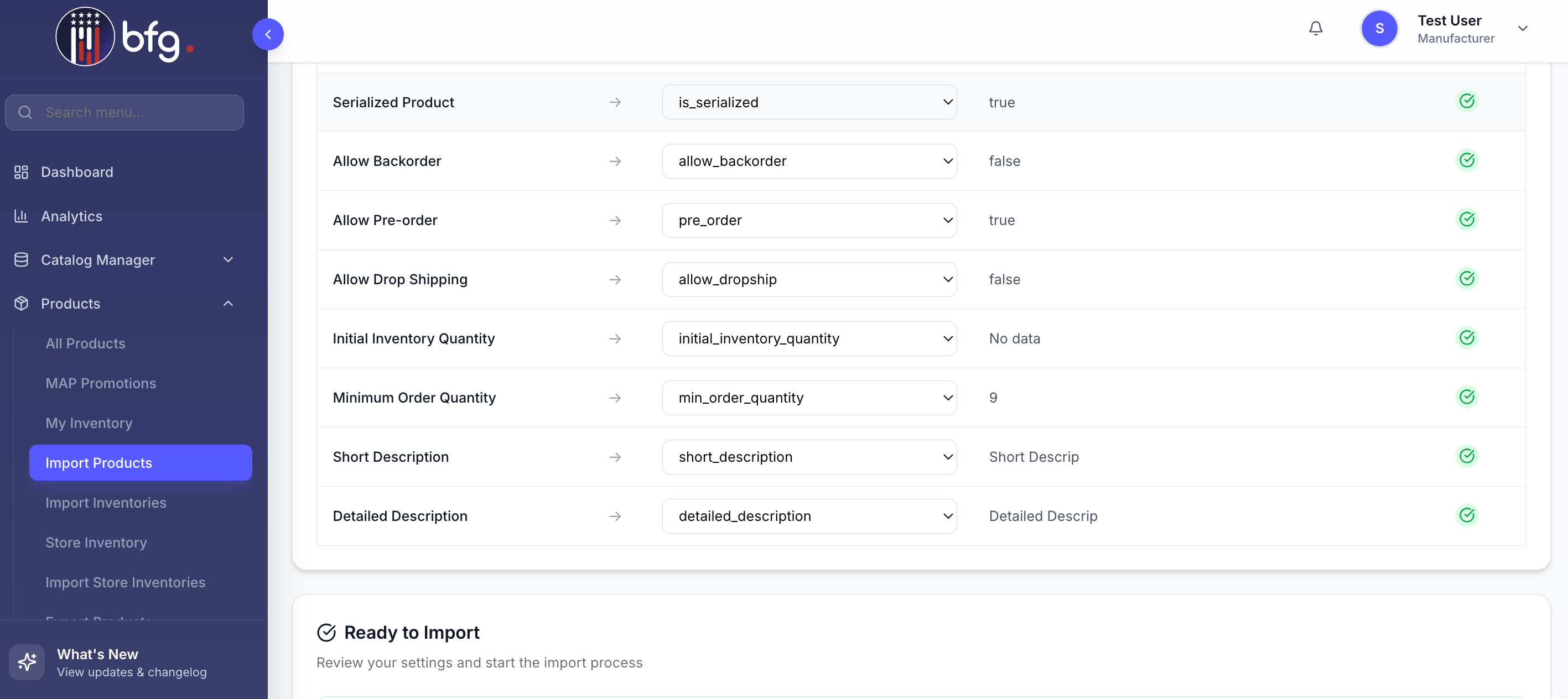
Product Import Supports Additional Attributes

Product Import now supports additional product attributes, enabling more complete product setup during import and reducing the need for manual updates. You can now import products, specifying whether they are serialized and allowed for backorder, preorder, or dropshipping, and including initial inventory quantity, minimum order quantity, as well as short and detailed descriptions.

Product Import Supports Deactivation and Reactivation

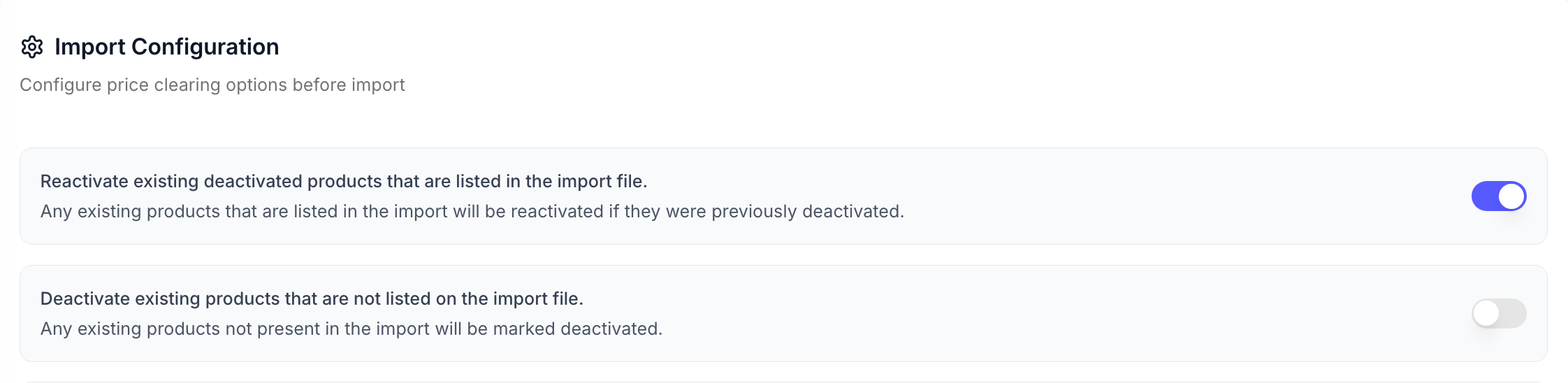
Product Import now allows automatic reactivation and deactivation of existing products listed in the import file. The following features are included:

  • Reactivate Existing Deactivated Products that are not listed on the Import file

    When the “Reactivate existing deactivated products not listed in the import file” toggle is on, products included in the import are automatically reactivated if previously deactivated.

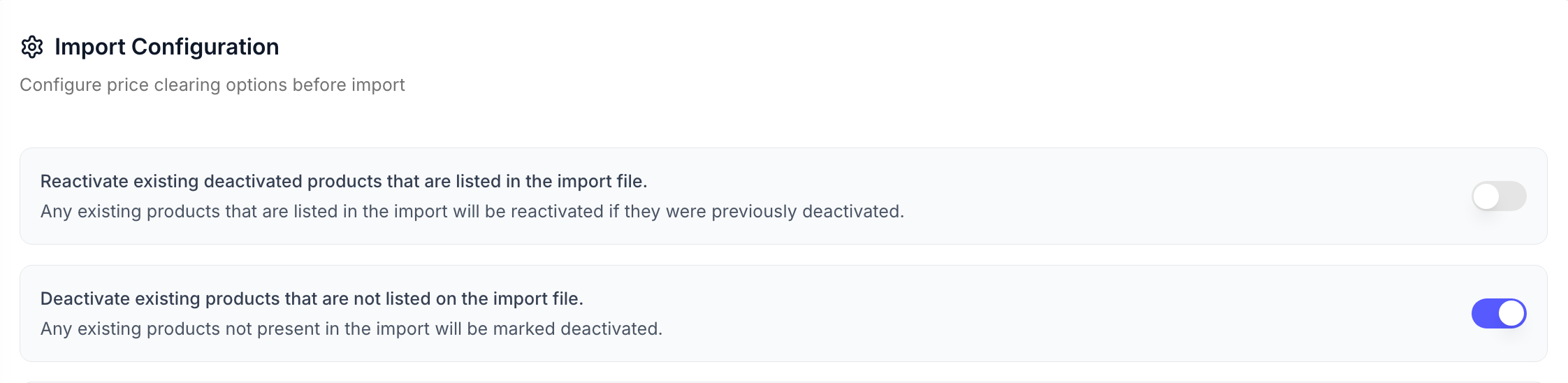
  • Deactivate Existing Products that are not listed on the Import file

    When the “Deactivate Existing Products that are not listed on the Import file” toggle is on, products not included in the import file are automatically deactivated.

Improved

BFG Release Notes 2026.02.1

Enhancements

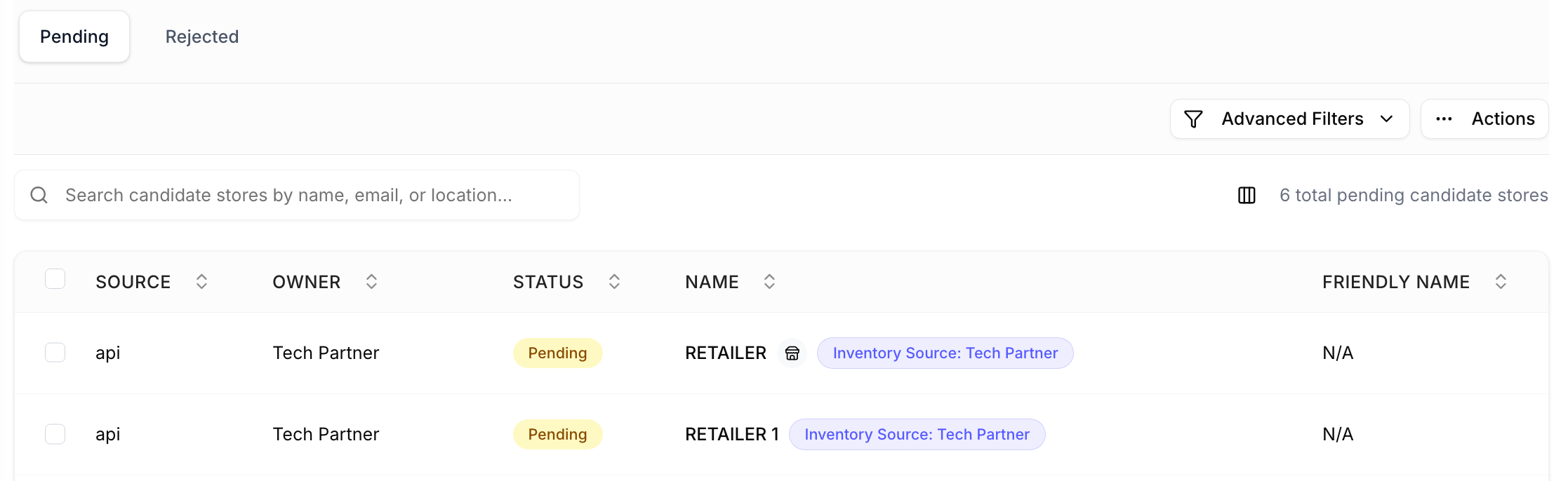
Retailer-Managed Indicator for Candidate Stores

The Retailer-Managed icon is now shown for Candidate Stores marked as retailer-managed, using the same icon and tooltip as standard Stores. Non-retailer-managed Candidate Stores remain without an icon, ensuring consistent visibility of management ownership across all store.

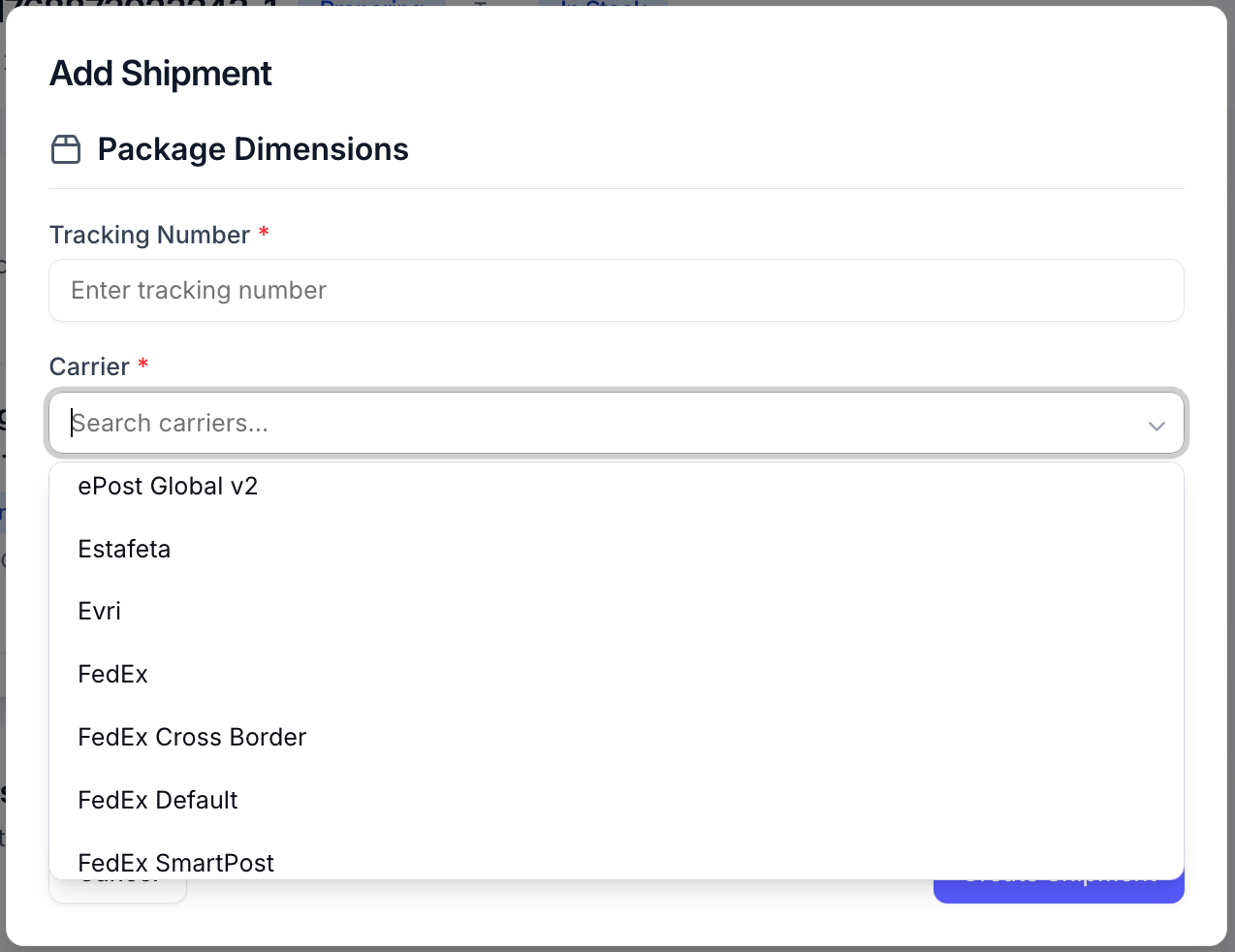
Carrier Selection Added for Shipments

When creating a shipment for an order, users can now select a carrier before submitting. This helps ensure shipment details are more accurate and is intended to help mitigate tracking number issues syncing to NetSuite.

Import Products Supports Multiple Images

Import Products now supports importing multiple image URLs per product, allowing products to display more than one image. All valid image URLs included in the import are associated with the product and display correctly in the product detail view. Multiple images can be imported using a delimited list within a single column, including the pipe (|) separator, or through multiple image URL columns (e.g., Image URL 1 | Image URL 2 | Image URL 3).

Get Products API Adds Support for Dropship, Backorder, and Pre-Order Filters

The Get Products API now supports optional filters for allow_dropship, allow_backorder, and pre_order, enabling you to return only products that meet these criteria. These filters work alongside existing query parameters for more flexible product imports. For full details, see the API Documentation.

Enhanced Store Import Matching and Address Visibility

The Store Import Report now provides improved address visibility and clearer validation details by adding new Global Address and FFL Address columns, and introducing a Match Confidence (%) column that displays a match score to help users quickly assess how closely imported records align with existing BFG data.

Improved

BFG Release Notes 2026.01.1

New Feature

FFL Import: Enhanced Address Management and Notifications

This release enhances FFL import functionality by improving address handling, increasing transparency for updates, and giving manufacturers more control over address changes.

  • Automatic Address Updates for Stores Not Managed by Retailers

    Stores not yet managed by retailers continue to receive automatic address updates, ensuring their information stays accurate.

  • Address Management for Retailer-Managed Stores

    Stores that are managed by retailers cannot have their addresses updated automatically. Any attempt to change the address will not be applied.

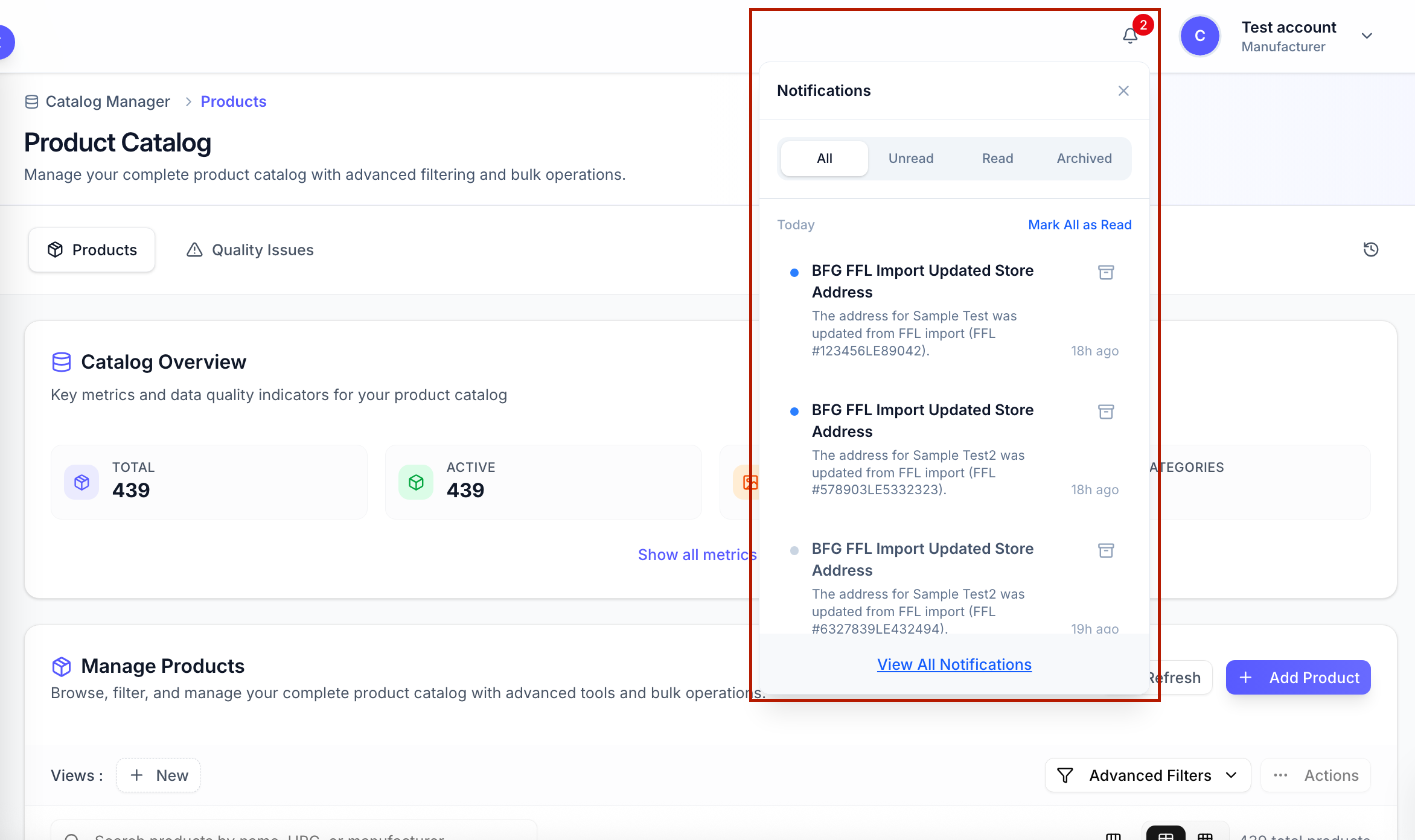
  • Notifications for Manufacturers

    Manufacturers will be alerted by email and in-app whenever a store’s address is updated for stores not yet managed by retailers.

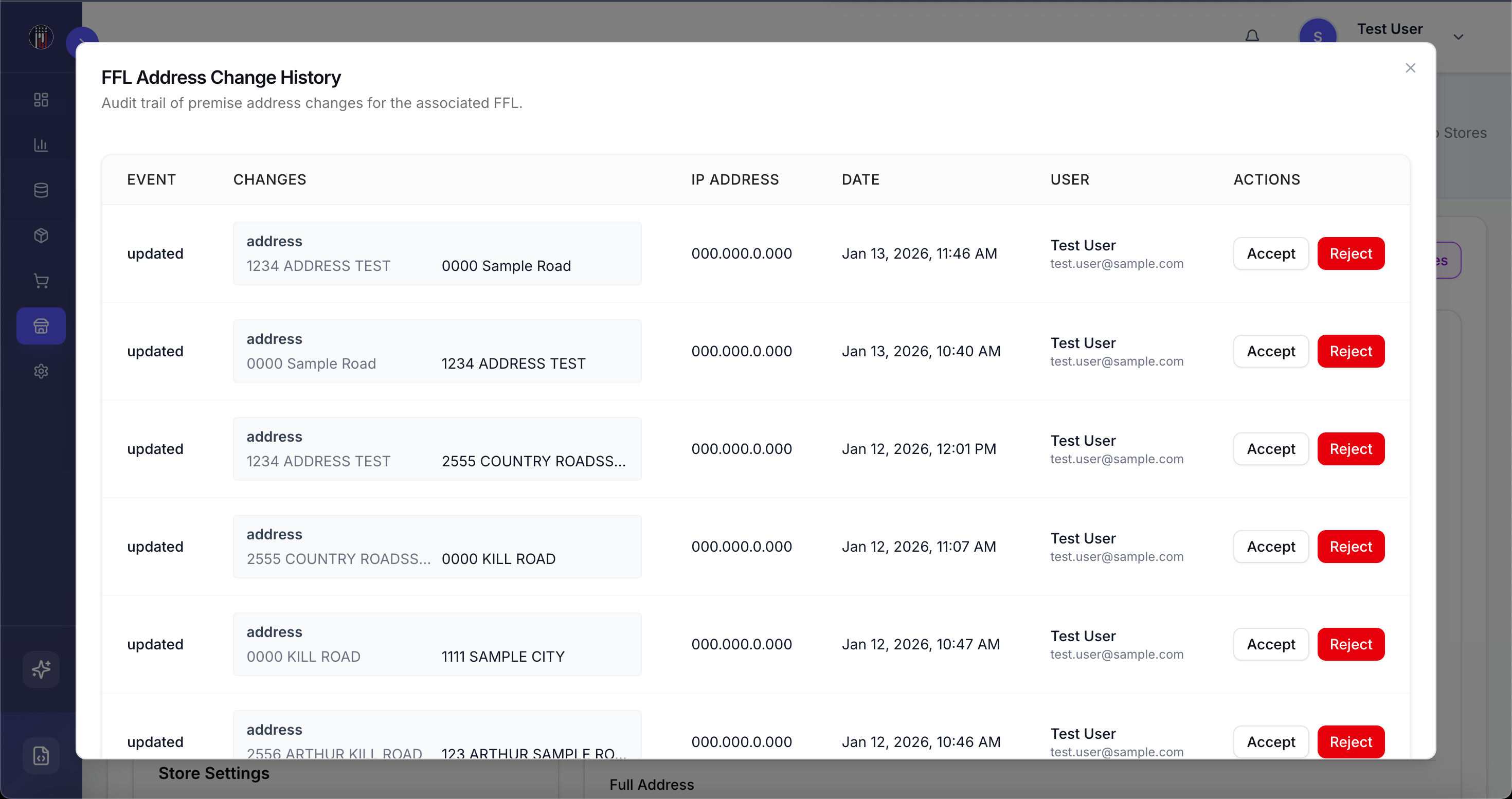
  • Manufacturer-Managed Store Addresses via FFL Address Changes

    Manufacturers who are allowed to manage their own list of stores can access address updates, and any attempted changes are logged in FFL Address Changes, including who initiated the change and the source of the update. All address updates require manufacturer approval and apply only to the specific retailer–manufacturer relationship, so global store addresses and other manufacturers remain unaffected.

Manufacturer-Managed Store Address via Store Import

Manufacturers with permission to manage store addresses can now import stores and override existing addresses. This allows manufacturers to manage and update store addresses through store import, applying changes only to the specific retailer–manufacturer relationship while leaving global store addresses and other manufacturers unaffected.

Enhancements

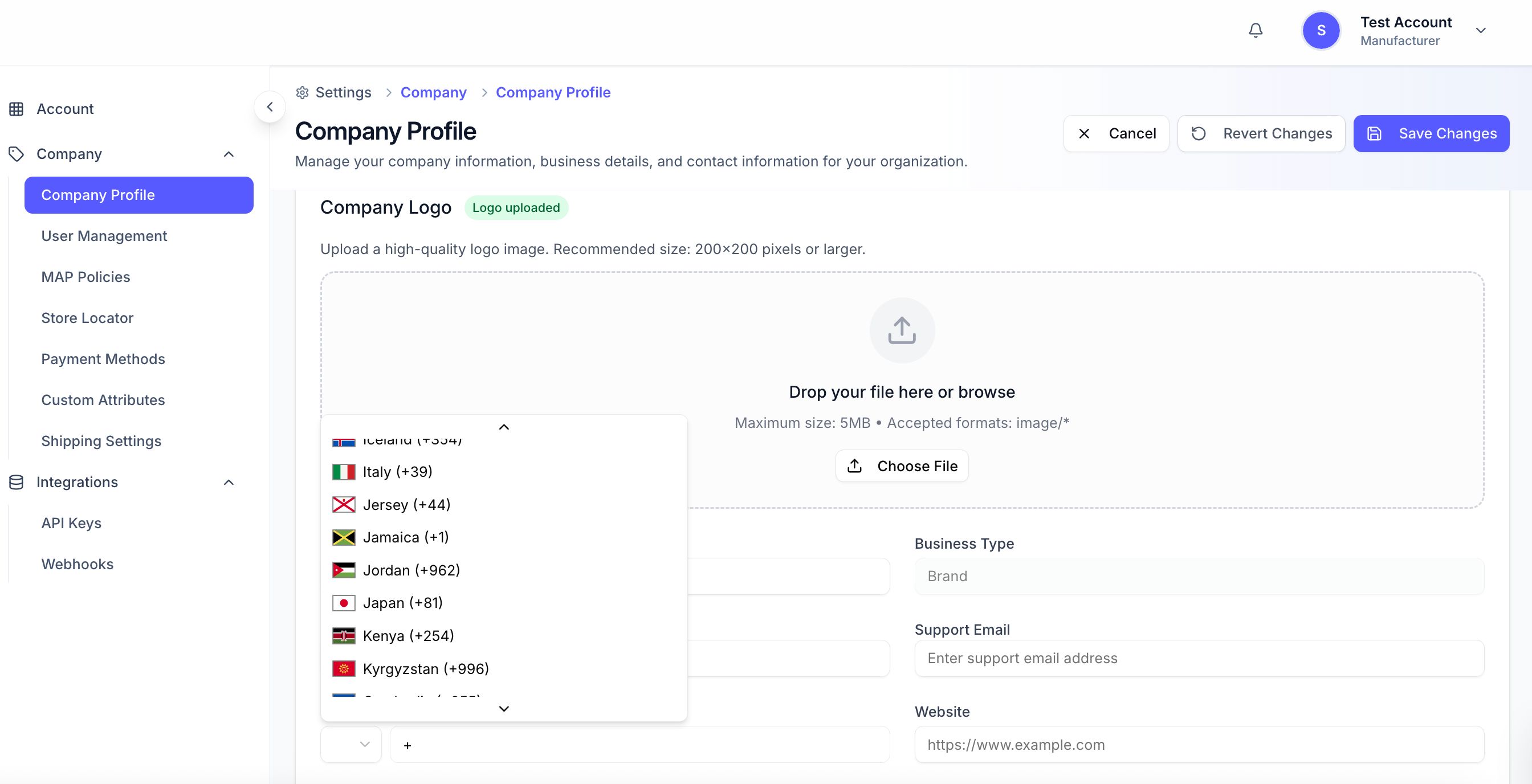
Support for International Phone Numbers with Country Codes

The phone number field now supports international numbers and allows users to select a country code from a dropdown, ensuring that all phone numbers are entered in a consistent, standardized format.

Daily Check Removes Coreware as Inventory Source from Inactive Stores

A daily check verifies Coreware or CoreSTORE accounts, and Coreware is automatically removed as the inventory source for stores that are inactive or have canceled their CoreSTORE subscription.

Accurate Row References in Store Import

Store Import row numbering now correctly counts the first data record as Row 2. Validation errors and import summaries accurately reference the corresponding rows, reducing confusion when reviewing import files.

Improved Shipping and Order Flexibility

  • EasyPost Sub-Account Management: Manufacturers can now manage their own shipping accounts via EasyPost sub-accounts and manage their shipping account information and carriers.

  • Manual Shipment Entry Users can manually add shipments using tracking numbers from other carriers, select specific order items, and monitor multiple shipments per order with automatic status updates and clickable tracking links.

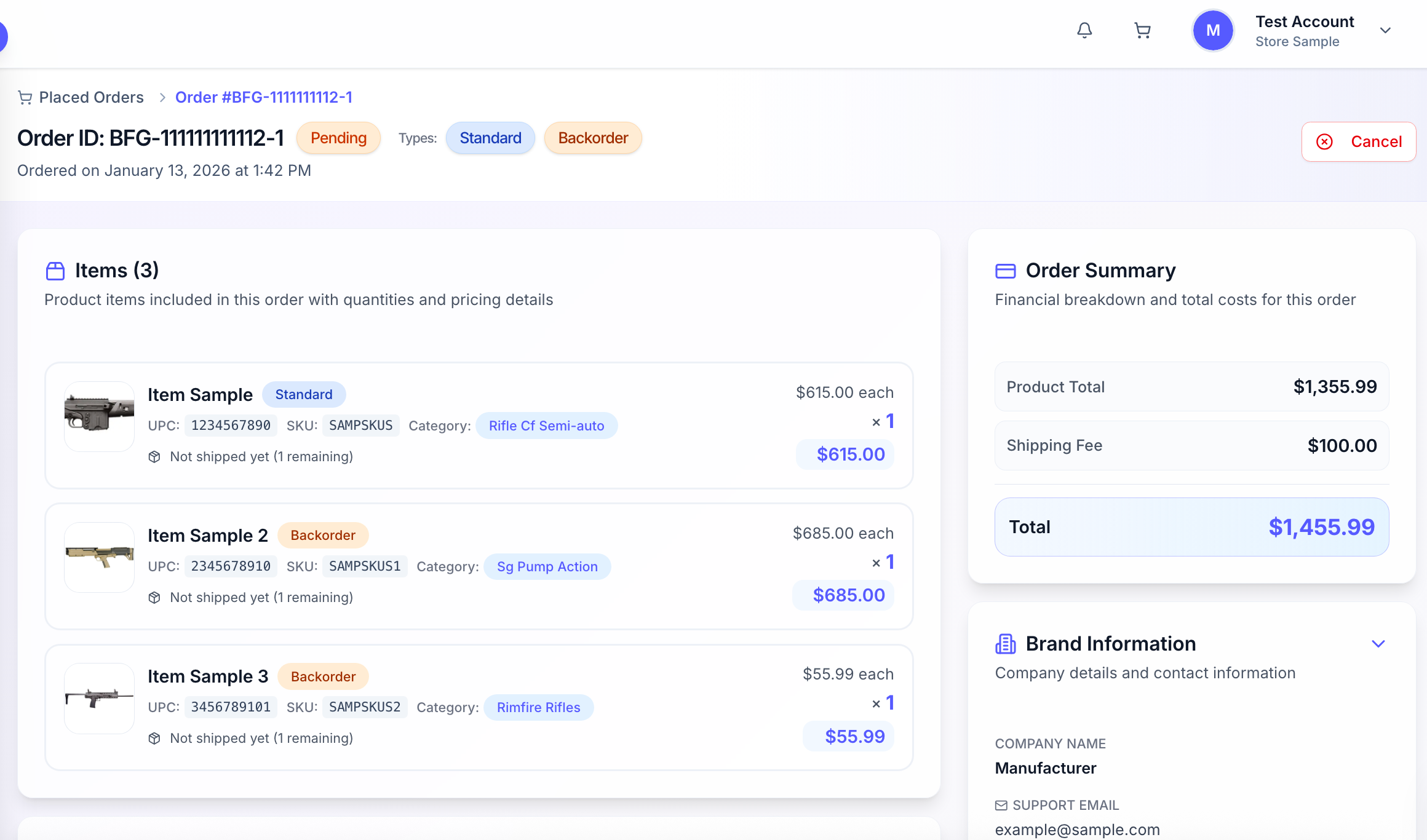
  • Flexible Ordering & Partial Shipment Charges Users can place pre-order, backorder, or standard items, with charges now calculated per shipment for backorder and pre-order items instead of for the entire order.

Pre-Order Items Now Supported with Defined Delivery

A new pre-order flag has been introduced, functioning similarly to backorder but with a defined delivery timeframe. Unlike backorder items, which have an undefined delivery date, pre-order items indicate an expected delivery (e.g., 30 days). The checkout and fulfillment flow treats pre-orders like backorders, and backorder items’ status now updates when shipped.

Resolved Issues

  • Fixed an issue where store imports failed with “The name has already been taken.” The system now provides clear messages for duplicates or validation conflicts, ensuring valid stores can be imported.

NewImprovedFixed

Earlier updates