BFG Release Notes 2025.05.3
Features
ChatGPT prompts for importing CSV files
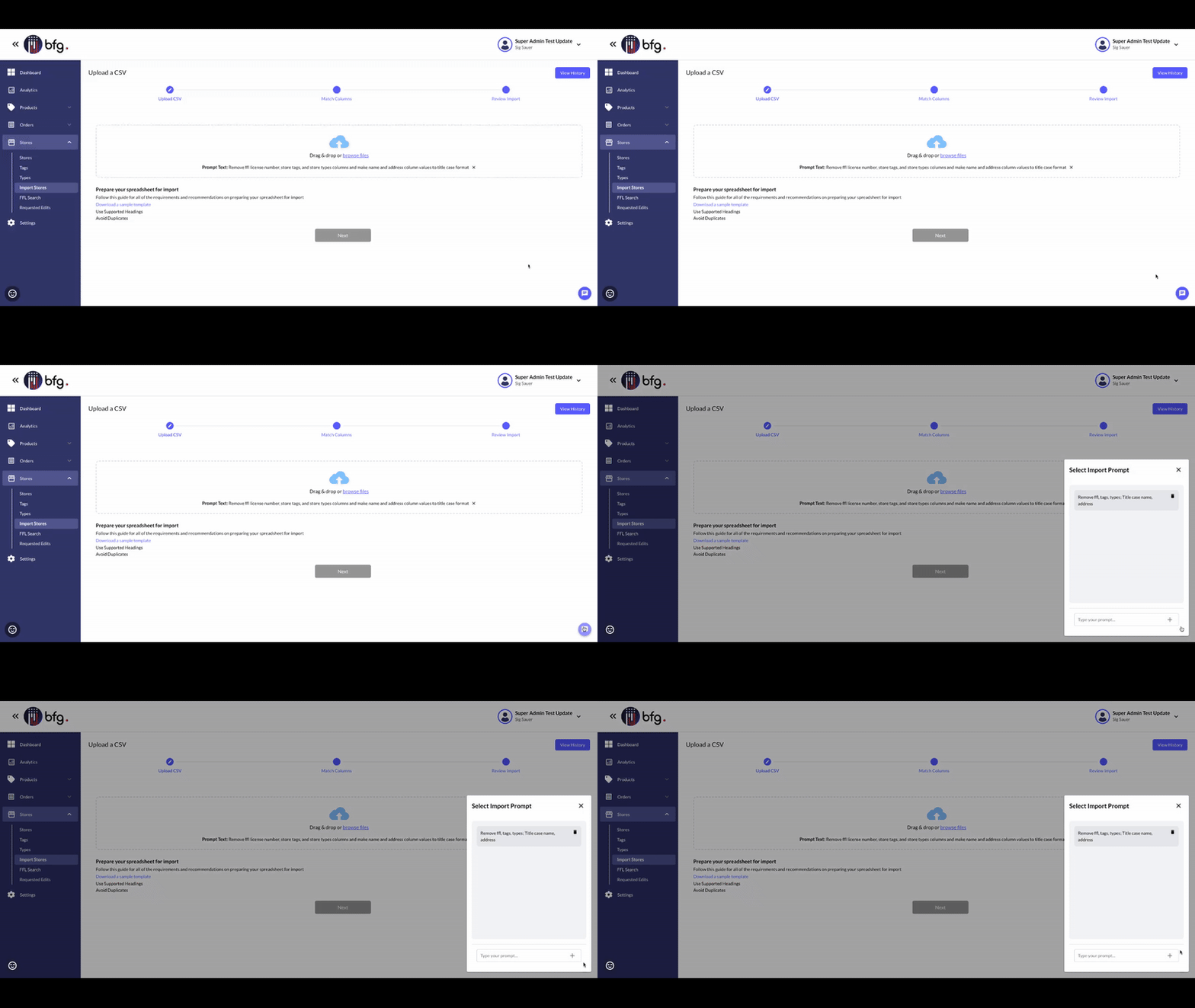
On the Upload a CSV page in Products > Import Products and Stores > Import Stores, you can now create and manage ChatGPT prompts to help match your CSV file’s headers with BFG’s system headers.
To add or select a prompt, click Select Import Prompt.
Manage webhooks in Settings
On the All Webhooks page (Settings > Webhooks), you can now create, edit, and delete webhooks to subscribe to events. To create a webhook, enter a title, a destination URL, and select the events you want to subscribe to.
You can also pause a webhook by selecting the Pause checkbox. This stops email alerts without deleting the subscription.
View federal firearms licenses
You can now browse and view federal firearms license (FFL) details on the All Federal Firearms Licenses page (Stores > FFL Search). This page displays a table with information such as the following:
FFL number
Business name
License name
Address
Phone number
To open a detailed view of the license, select a row to show general and asset information related to that FFL.
Enhancements
Brand Account Number field on the Company Profile page
When you import a CSV file with your brand or store ID, BFG will now show that ID in the Brand Account Number field on your Company Profile page.
To view the Company Profile page, select Settings > Company Manager, and then select your brand or store.
Email notifications for failed webhook deliveries
If a webhook delivery fails while you're subscribed in BFG, you’ll now get an email alert about the failure.