April 28th, 2026

The import flow has been updated by consolidating previously separate import menus and pages into their respective product and store pages. This change places import actions directly within each relevant section, improving navigation clarity and helping users better understand the purpose and context of each import.
My Inventory Import
Updated the navigation to route import actions through Products > My Inventory > Import Inventories (button), ensuring the import action is placed within the correct context for brand inventory management.

Store Inventory Import
Updated the navigation to route import actions through Products > Store Inventory > Import Store Inventories (button), ensuring the import action is placed within the correct context for store inventory management.

All Products Import
Updated navigation to route import actions through Products > All Products > Import Products (button), ensuring the correct context for product-wide imports and updates.

Stores Import
Updated the navigation to route import actions through Stores > Stores > Import Stores, ensuring the correct context for store imports and updates.

Improved the import report interface by consolidating download actions into the Report Summary section and removing the separate Download Files section to enhance usability and improve layout consistency across import pages.

Updated the checkout logic so that state-based product restrictions are now applied only for Dropship shipment types. State restrictions no longer apply to other shipment methods.

Added an icon to indicate products with state-based restrictions, improving visibility of regional availability limits.

Resolved an issue where legitimate products were rejected due to strict UPC check digit validation by allowing valid-length, all-numeric UPCs (8, 12, 13, or 14 digits) even if they do not pass standard check digit rules.
Resolved an issue where store promotions incorrectly handled promotion dates and store selection during updates, causing invalid prompts and incorrect status handling; the system now correctly updates promotion status to Active and supports optional promotion dates.

April 21st, 2026

Manufacturers can now restrict product availability by US state to ensure compliance for regulated items and prevent purchases in prohibited regions.
“Restrictions” Tab in Product Details
Added a dedicated tab where manufacturers can select US states where the product is not available for sale.

Shop Page State Restriction Indicator
On the Shop page, products in the listing display an indicator showing the states where they are restricted. When a product is selected, the Product Details page includes a dedicated section that lists all restricted states, providing clear visibility before purchase.

Order Blocking Enforcement
Users are prevented from completing checkout if their state is included in the product’s restriction list, with a clear blocking message displayed.

Added a “Store Locator Visibility” column in the Store List page showing whether a store is Visible or Not Visible in the Store Locator. Non-visible stores include a tooltip explaining the reason, such as missing latitude and longitude.

Enhanced custom events by including product context (UPC and SKU) when the locator type is “product”. This ensures accurate tracking of the active product throughout Store Locator interactions and enables better identification of store availability per product.
Documentation is available in Store Locator GA4 Custom Events.

Improved the performance of the Store Locator page by optimizing data loading and rendering processes, resulting in faster load times and a smoother overall user experience.
Improved address formatting to remove excess commas when Address Line 2 or Address Line 3 is empty. Empty address fields are now excluded from formatting, ensuring addresses display correctly without extra separators.
Resolved an issue where Store Metrics, specifically “With Phone” and potentially “With Website”, were undercounted and did not match exported store data.
Resolved an issue where stores with “Show Stock Availability” disabled still appeared under the “In Stock” filter on the Store Locator map. Filter logic has been updated to ensure map pins match stock availability settings.
April 15th, 2026

Product data health metrics and export functionality have been enhanced within the All Products (Products > All Products) page to improve catalog visibility, streamline product management, and simplify data extraction.
Product Data Health Metrics
Users can easily identify products with missing or invalid data such as pricing, categories, and images, enabling faster detection and resolution of catalog quality issues.

Clickable Metrics with Auto-Filtering
Product health metrics are interactive, allowing users to click any issue to automatically filter the product list and quickly view affected products.

Export Capability
Users can export product data directly from the All Products page with flexible options including exporting all products, filtered results, or selected items to support efficient data handling.

Streamlined Experience
All export functionality has been centralized within the All Products page, removing the need for a separate Export Products page and improving overall usability.
Users can now choose to clear existing product images for products included in the import file. When enabled, this option removes current images before applying newly imported images, ensuring full control over image replacement behavior.

The platform now supports full purchasing capabilities for manufacturers, aligning their experience with retailers and distributors.
Unified Purchasing Access
Manufacturers can now browse the shop and place orders, enabling full participation in platform purchasing workflows alongside retailers and distributors.

Enabled Checkout and Cart Functionality for Manufacturers
Manufacturers now have access to all necessary shopping experience, including product browsing, cart management, and checkout processes.

Order Tracking for Manufacturers
Manufacturers can now track their placed orders by accessing Orders > Placed Orders, providing full visibility into their order history and status.

The product’s Detailed Description field has been improved to a Rich Text Editor, providing a more flexible and user-friendly content editing experience. Users can now format product descriptions with rich text options such as bold, headings, lists, and links, allowing for more structured and visually appealing content.

Enhanced product import image handling to automatically replace existing product images when a new image URL is provided in the import file, ensuring that the latest images are consistently applied.
image_url columnThe product export functionality has been improved to ensure exported image data accurately reflects the images currently displayed on the platform. A new image_url column has been added to the Export All Products file, providing the actual product image URLs sourced from imports or manual uploads.
Resolved an issue where website links for stores in the Store Locator were not visible even when a website was added to the store.
Resolved an issue where latitude and longitude values were not being populated when manufacturers set a custom address override for a retailer.
April 7th, 2026

A new “Shop Ready” column is now available for companies with Direct Ordering enabled, providing clear visibility into whether a product is ready for Shop selling. The status is automatically updated once the product has a BFG Price and Publish to Shop is set to “Yes.” If the status does not update, users can click “Update Shop Availability” to refresh and reflect the correct status.

Dropship settings are now enabled by default for all catalog products of a retailer, and the Allow Dropship option is automatically turned on in the retailer’s Company Profile (Settings > Company Profile), even for newly registered retailers. This ensures they can start fulfilling orders immediately without additional setup, streamlines onboarding, and reduces manual configuration, making products ready for order fulfillment.

Retailers with Direct Ordering use the system’s default Order Margin when an order is created. This ensures consistent margins without manual setup and lets retailers start selling immediately with the correct margin applied.
Added inventory source visibility and FFL update tracking in the store import report, including a new inventory_source_account_id column with company name and an Updated Fields indicator for FFL changes.
Added the ability to copy the company account ID directly from the Company Profile (Settings > Company Profile), making it easier to quickly access and reuse the ID for imports, and integrations.
Optimized system performance to reduce delays in Products, Catalog Manager, and across the platform, resulting in faster load times, smoother interactions, and improved responsiveness.
Resolved an issue where updating a product’s UPC showed a success message but did not update the value. The system now also validates whether the UPC is valid before saving.
March 31st, 2026

Retailer-sellers can access the platform to browse products, place orders, receive orders and manage their own catalogs, streamlining buying and selling workflows.
Products
Retailers can manage their own products, including pricing, visibility, and certain product settings, while manufacturer-owned core product information remains unchanged.

Import Products
Retailers can import products into their own catalog, enabling bulk updates and efficient product management.

Import Inventories
Retailers can import inventory data to keep stock levels accurate and up to date.

Retailer-as-Seller Direct Ordering Setup
Retailers can now choose to sell their products on the BFG platform by completing the Direct Ordering Setup, including configuring shipping options, minimum order amounts, and order fulfillment rules.

Received Orders
Retailer-as-sellers can view and manage received orders, track order status, and monitor sales.

Order Settings
Retailer-as-sellers can configure order-specific settings, such as minimum order values, and product restriction, to streamline order management.

Shop
Retailer products appear in the shop alongside distributor and manufacturer listings, allowing buyers to discover and order items efficiently.

Add to Cart via Retailer (Buyer View)
Buyers can add products from retailer catalogs directly to their cart, review selections, and complete orders seamlessly.

Distributors and retailers can no longer directly edit product information in the catalog. Any changes must be submitted as a Product Edit Request, which is then reviewed and approved by the appropriate role.
Distributors and Retailers Use Edit Requests for Catalog Updates
Distributors and retailers cannot edit catalog product details directly and must submit a Product Edit Request for any changes, which captures the original and requested values, the submitter, and the timestamp.

Distributors and Retailers Can Send Request Product Creation
Distributors and retailers can now submit a Product Creation Request to the manufacturer to add new products to their catalog. This allows them to propose new items for inclusion, ensuring the manufacturer reviews and approves the product before it becomes available in their catalog.

Edit Request Management Added for Distributors and Retailers
Distributors and retailers can now manage pending edit requests and track which requests have been applied or rejected.

Manufacturers Can Review and Manage Edit Requests
All edit requests submitted by retailers and distributors are listed on the Review Edit Requests page for manufacturers, who can review all pending requests and choose to apply or reject them, and they can also apply changes partially, updating only the selected fields.

Product details on the Shop page now support detailed descriptions. This allows sellers to provide more complete product information, helping customers better understand the product before purchasing.

The Information Message field in the Product Locator now uses an HTML editor, replacing the previous basic text editor. This enhancement allows users to format content with headers, styled text, improving the clarity and presentation of information.

Store import now updates existing records when a new or updated FFL number is provided, matching stores by name, FFL business name, and short FFL to prevent duplicate records.
Fixed image upload showing the wrong file size limit, ensuring the displayed limit matches the allowed size.
March 24th, 2026

Added webhook history tracking to provide visibility into delivery status, log delivery details, and allow users to retry failed webhooks for improved monitoring and reliability.

Introduced a configurable information message in the Product Dealer Locator that allows brands to display important notices to customers, such as inventory update frequency or instructions to call for confirmation.
Information Message Configuration
In Settings > Store Locator > Product Locator > Edit, manufacturers can manage and adjust the message fields according to their preferences.

Information Message Display
The information message appears on the Product Dealer Locator for customers when enabled in the configuration.

Improved the Product Import Report to provide detailed, field-level information. The updated report allows users to review imported product data against existing system data, making it easier to identify missing, mismatched, or updated information.
Enhanced order status automation that updates the order status as items progress through the shipping process. When the shipment status changes to Pre-Transit, In Transit, or Out for Delivery, the order status will automatically update to Shipped. Once the shipment status changes to Delivered, the order will automatically be marked as Completed.
Fixed backorder products with available inventory incorrectly showing “Pay Upfront,” ensuring payment timing now follows the configured settings.
March 17th, 2026

Enhanced company profile configuration to include Direct Ordering Setup for distributor companies, enabling access to address verification, payment method, and shipping settings for direct order management.
Dropship shipping options are now conditionally available based on configuration. Retailers can select applicable dropship methods at checkout only when both the “Allow Dropship” setting in the Company Profile and the “Allow Dropshipping” setting on the product are enabled.
Fixed an issue where dropship prices and shipping fees were inconsistent between checkout and order details.
Fixed an issue allowing distributors to place orders with themselves. Self-distributors are now excluded from distributor lists.
Fixed an issue where manufacturer payment terms were incorrectly displayed for stores no longer associated with the manufacturer. Payment terms are now limited to actively associated stores.
Fixed an issue where the Show Stock Availability setting on store records did not properly hide inventory details. When the setting is turned off, the store locator now displays only “Call for Availability,” and no longer shows stock levels or inventory date information.
March 10th, 2026

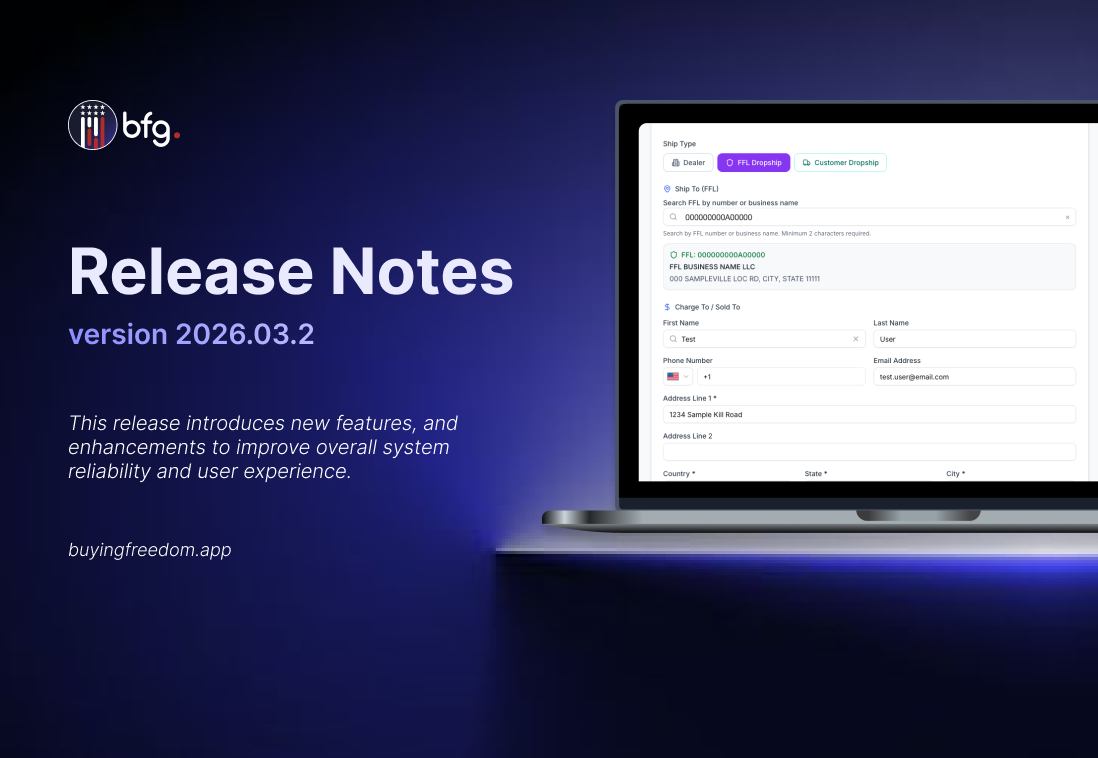
Checkout now supports multiple order ship type. Buyers can select Dealer, FFL Dropship, or Customer Dropship at checkout, allowing orders to ship to the buyer’s business, a selected FFL, or directly to a customer.
FFL Dropship
Buyers can ship orders directly to a selected Federal Firearms License (FFL) dealer during checkout.

Customer Dropship
Buyers can ship orders directly to customers by providing the shipping address at checkout.

Manufacturers can now set brand-level preorder and backorder limits in Company Profile settings. The system enforces these limits during order creation and blocks orders that exceed them, counting only active orders toward the limit.

Distributors can access the platform to manage orders, view inventory, and track transactions on behalf of the brands they represent, streamlining distribution workflows.
Distributor Dashboard with Live Metrics
The dashboard now shows real, API-driven metrics for catalog and order fulfillment, reflecting the distributor’s role.

Products
Distributors can now edit select product details and settings, while core product information remains managed by the manufacturer.

Import Products
Distributors can now import products into their catalog, streamlining catalog management and order fulfillment.

Import Inventories
Distributors can now import inventory data to keep stock levels up to date.

Direct Ordering Setup
Distributors can now set up Direct Ordering by completing required details, including address verification, payment methods, and shipping settings.

Received Orders
Distributors can view and manage received orders, track order status, monitor inventory impact.

Order Settings
Distributors can configure order settings, including payment settings, minimum order value, store settings, and product settings to streamline order management.

Shop
Distributors can add items via import with set pricing, allowing customers to browse and purchase available products.

Add to Cart via Distributor (Retailer View)
Retailers can add products to their cart directly from the distributor’s catalog, review selections, and proceed with orders efficiently.

BFG now provides a report to view paid charges and transactions. Users can download reports from the Orders > Received Orders.
Users can now download transaction reports directly from the Received Orders table. Reports can be generated using applied filters, by selecting multiple orders, or by downloading all available transactions in the list.

Users can now download a report for a single transaction directly from the Order Details page.

Users can now import and export in Order Settings > Product Settings to manage quantity restrictions in bulk. Imports create or update settings by UPC, skip invalid rows, and provide a summary of records created, updated, or skipped.

A new set of APIs is now available to support product management via external integrations. These endpoints enable you to list, create, retrieve, and update product records programmatically.
List Distributor Products: List all products with details and distributor prices.
GET /api/products/distributor
Get Distributor Product: Retrieve a specific distributor product by UPC
GET /api/products/distributor/{upc}
Create Distributor Product: Create or lookup a product using UPC and manufacturer info.
POST /api/products/distributor
Update Distributor Product: Edit a product by sending updated fields in the request body.
PUT /api/products/distributor/{upc}
Remove Product from Distributor Catalog: Delete a specific distributor’s product record.
DELETE /products/distributor/{distributorProduct}
Bulk Add / Update Distributor Products: Batch add or update distributor products.
POST /products/distributor/bulk
Bulk Remove Distributor Products: Batch remove distributor products.
DELETE /products/distributor/bulk
A new set of APIs is now available to manage distributor product inventory via external integrations. These endpoints allow you to list, retrieve, and update inventory quantities programmatically.
List Distributor Inventory: List inventory quantities for all distributor products.
GET /api/inventory/distributor/{company}
Update Distributor Inventory: Update inventory for one distributor product.
PUT /api/inventory/distributor/{company}/{upc}
Bulk Update Distributor Inventory: Batch update product inventory.
PUT /api/inventory/distributor/{company}
Export Distributor Inventory: Export distributor catalog inventory as CSV.
GET /api/inventory/distributor/{company}/export
March 4th, 2026

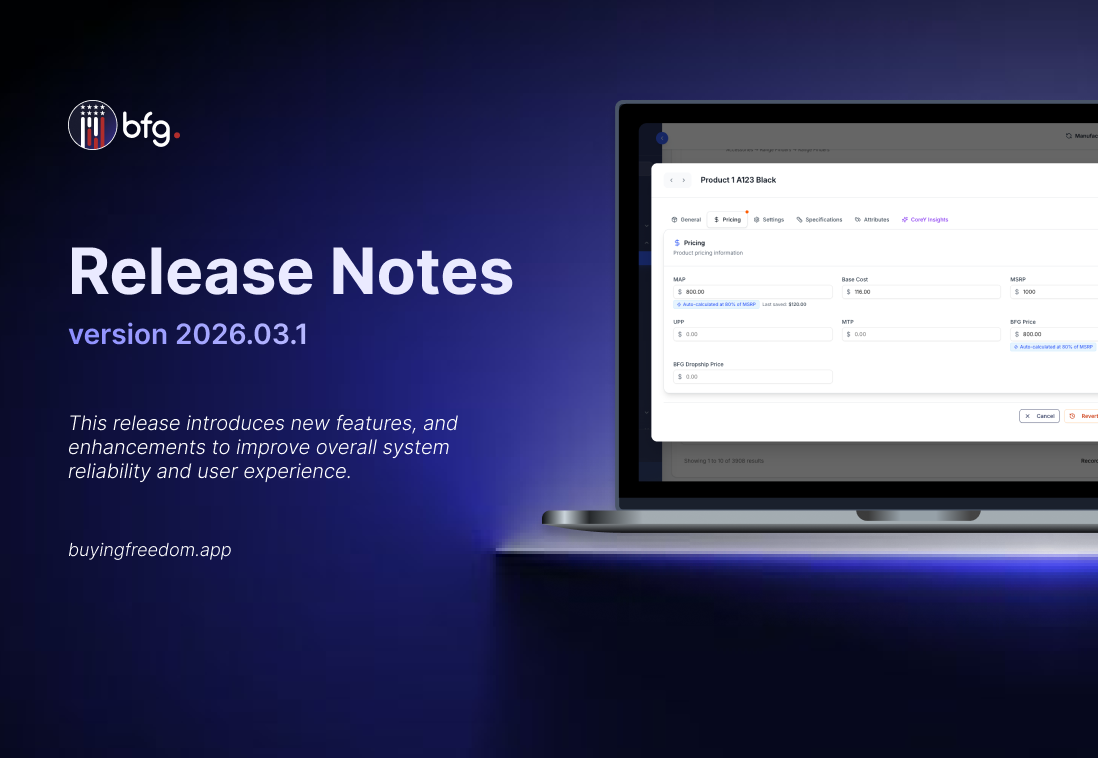
Pricing calculations have been improved with the introduction of MSRP Auto Pricing, allowing Minimum Advertised Price (MAP) and BFG Prices to be automatically computed as a percentage of Manufacturer’s Suggested Retail Price (MSRP).
MAP and BFG Price can now be automatically calculated as a percentage of MSRP
This simplifies pricing management by allowing both prices to be set relative to the Manufacturer’s Suggested Retail Price (MSRP), reducing manual calculations while still allowing manual overrides when needed.

MSRP Auto Pricing Configuration in Product Settings
Product Settings now include MSRP Auto Pricing, allowing manufacturers to set a percentage for automatically calculating Minimum Advertised Price (MAP) and BFG prices.

Dropship orders now support flexible quantities, pricing, and shipping. Dropship orders can bypass standard minimum order quantity requirements, allowing single-unit shipments. Separate shipping charges can be applied to reflect dropship fulfillment costs, and optional dropship-specific pricing allows products to have different prices when ordered as dropship.
BFG Dropship Price
Allows brands to set a specific price for products when fulfilled via dropshipping.

Dropshipping Shipping Fees
Brands can configure separate shipping fee charges for dropship orders, ensuring that dropship shipping rates are distinct from standard rates.

Dropship Order Bypass Quantity
This setting allows dropship orders to bypass standard minimum order quantity rules, enabling single-unit fulfillment while maintaining flexibility in order management.
February 24th, 2026

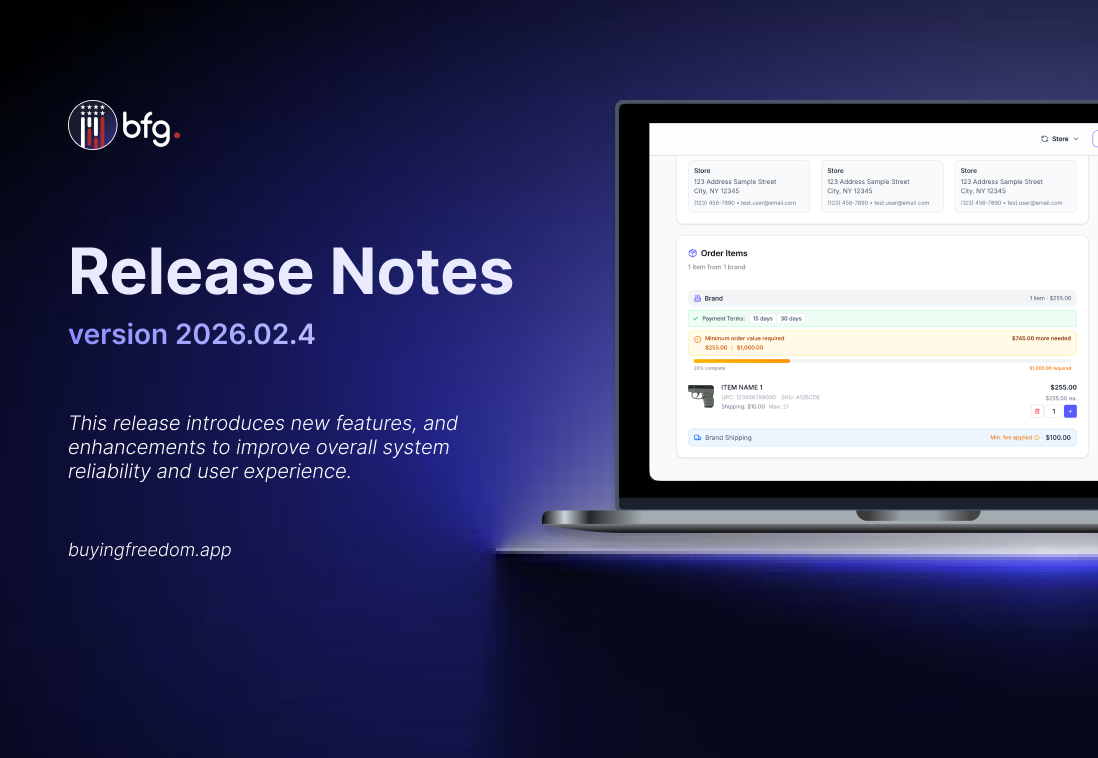
Brands can now define a Minimum Order Value to enforce a required cart total before the checkout process. This brand-level setting is configured in the Orders > Order Settings page and functions independently of any product-level minimum order quantities. If an order does not meet the MOV, it cannot be placed, and shoppers will see a clear validation message indicating that the minimum amount has not been reached.

Back-order and Pre-order products now require an expected ship date to improve delivery transparency and accountability. Brands must enter a ship date before listing items as back-order or pre-order, and this date is displayed to buyers on the product page. The system tracks shipping performance against the expected date and sends notifications to the seller, buyer, and platform if the date is missed.

Brands can now monitor products that have not been updated through Inventory Staleness tracking. A configurable Inventory Staleness Threshold (default 10 days) defines when inventory is considered stale. Notifications for stale inventory are sent automatically via email and in-app to users associated with brands that have Direct Ordering enabled. Notifications highlight affected products and provide a direct link to the Brand Inventory page for updates. Stale inventory is also indicated in the shop list next to the inventory count.

Retailers can now set up an automated CoreForce integration from the new Connected Apps menu under Integration Settings > Connected Apps. Selecting Setup Integration initiates the connection, creates the required webhook, and completes setup automatically.

Retailers can now access Federal Firearms License (FFL) documents directly from their orders, and manufacturers can upload FFL documents during the onboarding process. Retailers can download the FFL from the Brand Information section within Order Details for brands they have ordered from. During Manufacturer Direct Ordering onboarding, manufacturers can upload their FFL, which is automatically linked to the brand and made available on all related orders.

The Products endpoint now supports a new query parameter, filter[manufacturer_deactivated], which allows users to filter and retrieve products that have been deactivated by the manufacturer; by default, the endpoint returns both active and manufacturer-deactivated products unless this filter is explicitly applied.
filter[manufacturer_deactivated]=only
Returns only products where deactivated_at IS NOT NULL, indicating that the product has been deactivated by the manufacturer.
filter[manufacturer_deactivated]=without
Returns only products where deactivated_at IS NULL, indicating that the product is active and has not been deactivated by the manufacturer.