January 20th, 2026
BFG Release Notes 2026.01.2
New Feature
In-Order Messaging for Buyers and Sellers
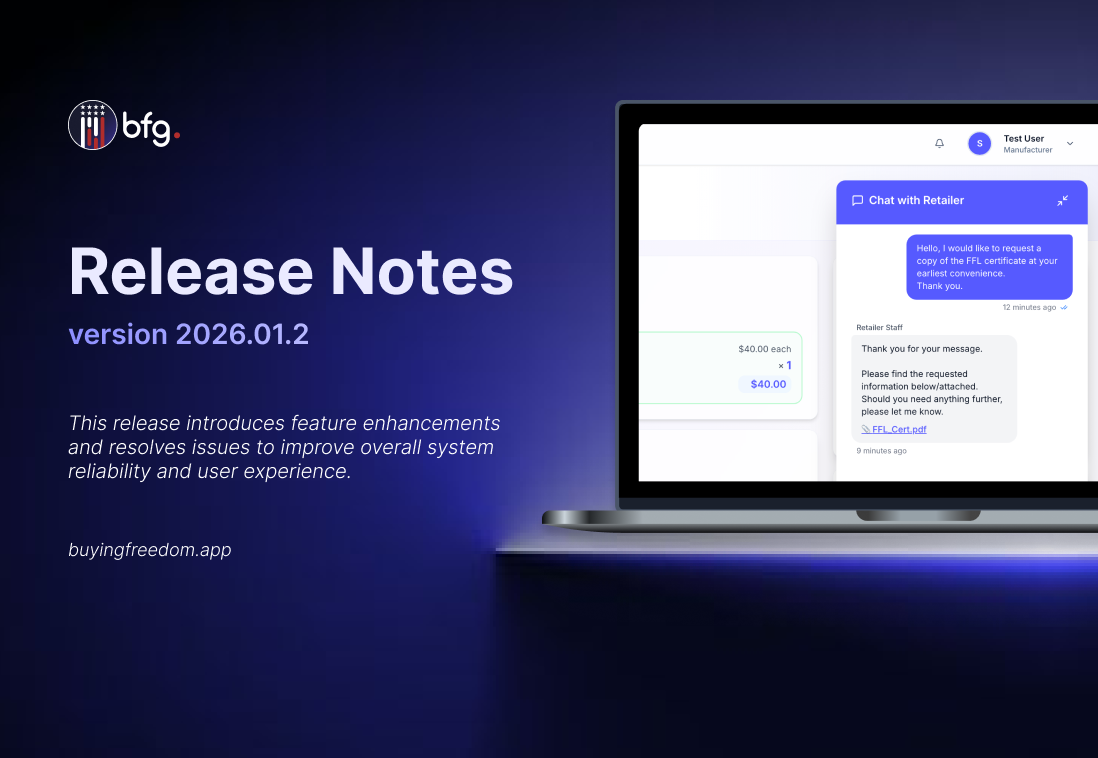
Orders now include built-in messaging, allowing buyers and sellers to communicate directly within each order. The feature allows exchanging messages, sharing files, and viewing the full conversation history in one place, with notifications for new messages. All communication stays attached to the order, making it easier to track discussions, reference past agreements, and respond quickly without relying on external emails or calls.

Flexible Payment Terms at Checkout
Customers can now choose flexible payment terms at checkout. In addition to paying in full upfront, orders can be placed with agreed day terms, allowing the full amount to be paid by a specified due date. This provides greater flexibility while maintaining clear payment expectations.

Enhancements
Added Visual Indicator for Retailer-Managed Stores
A new visual indicator has been added to clearly identify retailer-managed stores, making store management ownership easier to recognize. Stores now display an icon with a tooltip indicating that the store is managed by the retailer.

Retailer-Managed Status Filter Added to Stores
Stores can now be filtered by retailer-managed status, making it easier to review and manage store lists.

Enhanced Quick Actions Visibility in Top Section
The Quick Actions component has been moved to the top banner on both desktop and mobile, improving visibility and accessibility.

Enhanced Product Discovery with Badges
The order catalog now includes Featured and New product badges to improve product discovery. Manufacturers can mark products as Featured to show them at the top of the catalog with a gold star badge. In contrast, products published within the last 10 days automatically receive a purple “New” badge. Featured products appear first, followed by new arrivals, making it easier for customers to spot priority and recently added items.

Resolved Issues
Fixed an issue where store names were not appearing in the Store Locator.
Fixed an issue where the contact number icon was displayed when the field was empty and now only appears when a contact number exists.