December 16th, 2025
BFG Release Notes 2025.12.3
New Feature
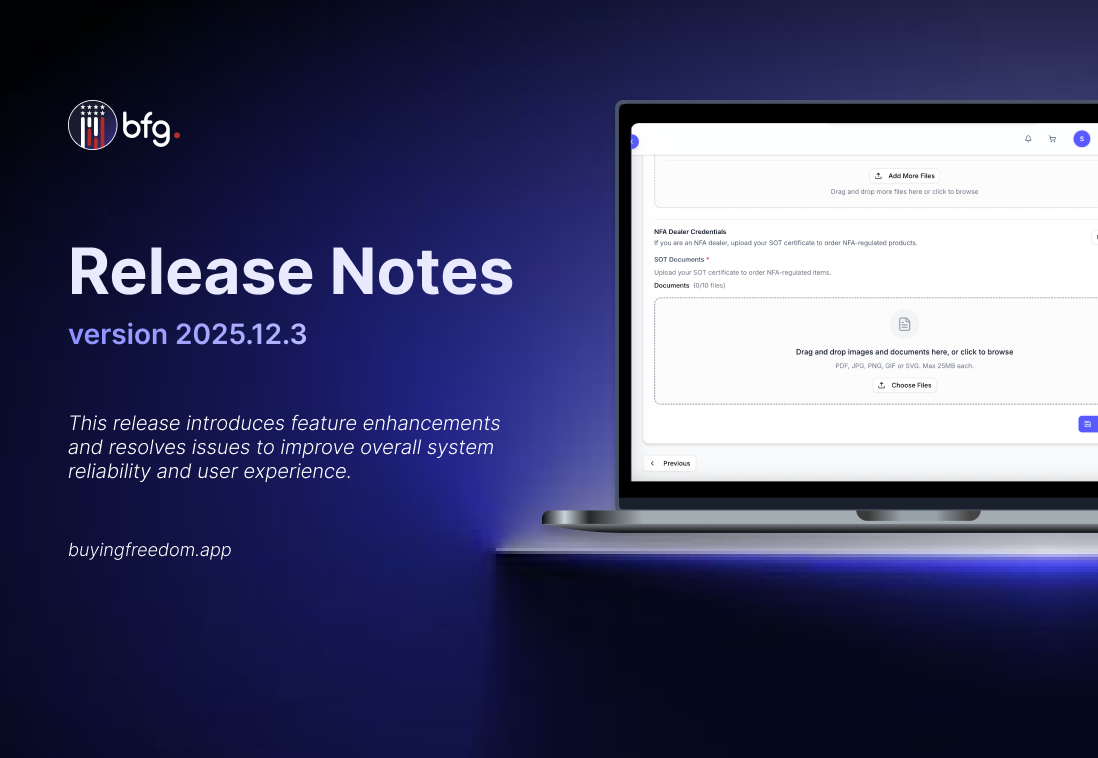
Introduced Special Occupational Taxpayer (SOT) File Upload for Stores
Stores that are NFA Dealers are now required to upload their Special Occupational Taxpayer (SOT) certificate to order NFA-regulated products. The new SOT file upload feature allows stores to securely submit and manage their documentation, ensuring compliance with federal regulations and streamlining the ordering process for restricted items.

Improved Order Details and Payout Transparency
Order details now include additional information to improve clarity and transparency:
Buyer information
Displays the buyer’s company name, email address, and FFL, making it easier to identify and verify the purchasing entity.

Payout breakdown
Provides a detailed view of the order’s financials, including total order fee, manufacturer margin fee, and total payout, helping you understand how the final payout is calculated.

Direct Ordering Section Added to Company Profile
A new Direct Ordering section is now available on the company profile, providing greater control over order settings:
Allow Drop Shipping
When enabled, products from this company can be drop shipped directly to customers.
Default Company for Orders
When enabled, this company will be used as the default for placing orders when multiple companies share the same account number.

Added Direct Ordering Onboarding Status on Dashboard
A Direct Ordering Onboarding Status header now appears on the Dashboard when setup is incomplete. The header notifies users that Direct Ordering needs to be configured. Any incomplete onboarding steps related to Direct Ordering are listed on the Dashboard, with a short description and a link or button to complete each step.

Cart Icon Added to Navigation Bar
The cart icon has been added to the navigation bar for easier access. Users can now quickly view and manage their cart from any page, improving navigation and streamlining the shopping experience.

Enhancements
Available Stock Column Added to My Inventory Page
An Available Stock column has been added to the My Inventory page to provide clearer visibility into inventory levels. It displays the number of items available, helping users quickly assess stock status and manage inventory more effectively.

Enhanced Single-Select Roles in User Management
The Assign User Roles field now uses a single-select dropdown, allowing only one role per user per company. This applies to both the User Invitation and Edit User pages and prevents assigning multiple roles to the same user.

Create Order Page Product Card Improvements
The Create Order page has been updated to enhance product card details and filtering:
Shipping Cost Per Item Displayed on Product Cards
Displays shipping fees for each product.

New Filters Added on Create New Order Page
Filter products by SKU, Requires FFL, NFA Regulated and Price Range for easier searching and selection.

Register Manually Relabel for Store Registration
The Register Manually option is now visible to retailers during store registration, replacing the previous Send Message button. This makes it easier for retailers to manually register a store when needed.

Added Company Customer Support Email
The Support Email, configured in the Company Profile, is now displayed in the order’s brand information, providing a direct contact for support inquiries separate from the company’s general business email.

Quantity Input Field Added to Product View
On the product view and when adding items to the cart, a quantity input field has been added. Users can now directly enter the number of items they want to purchase, instead of manually adjusting the quantity using the + or - buttons.

NFA Item and Requires FFL Fields Added to Product Import
The Import Products template has been updated to include two new fields: NFA Item and Requires FFL. Users can now set these attributes during product import, with validation to ensure correct values and clear error messages for invalid entries. This update makes it easier to accurately import products with NFA and FFL requirements.
Consistent Display of Required Field Indicators
All required fields marked with a red asterisk (*) are now consistently visible in all forms across the platform. This update ensures that users can easily identify which fields are mandatory, improving form completion accuracy and reducing errors.
Improved System Error and Informational Messages
All system error and informational messages have been enhanced to clearly indicate what is missing, incorrect, or required. Messages now specify the affected field or input and the action that caused the error, such as submit, create, edit, or delete.
Modal Behavior Update on “Update” Action
Modals will now remain open after clicking “Update”, allowing users to make further adjustments without reopening the modal. The modal will only close when the user explicitly clicks the Close (X) or Cancel/Close button. This change prevents workflow interruptions caused by the previous behavior, where the modal automatically closed after updating.
Export Button Now Disabled When No Products Are Selected
The Export button is now disabled when no products are selected or when the product list is empty. It will only be enabled when at least one product is selected, preventing unnecessary clicks and improving user clarity.
Resolved Issues
Fixed an issue where the Add to Cart button in modals did not enable when items were selectable.
Fixed an issue where updates to inventory items in retail accounts were not saving or reflecting in the inventory list and item details.