October 7th, 2025
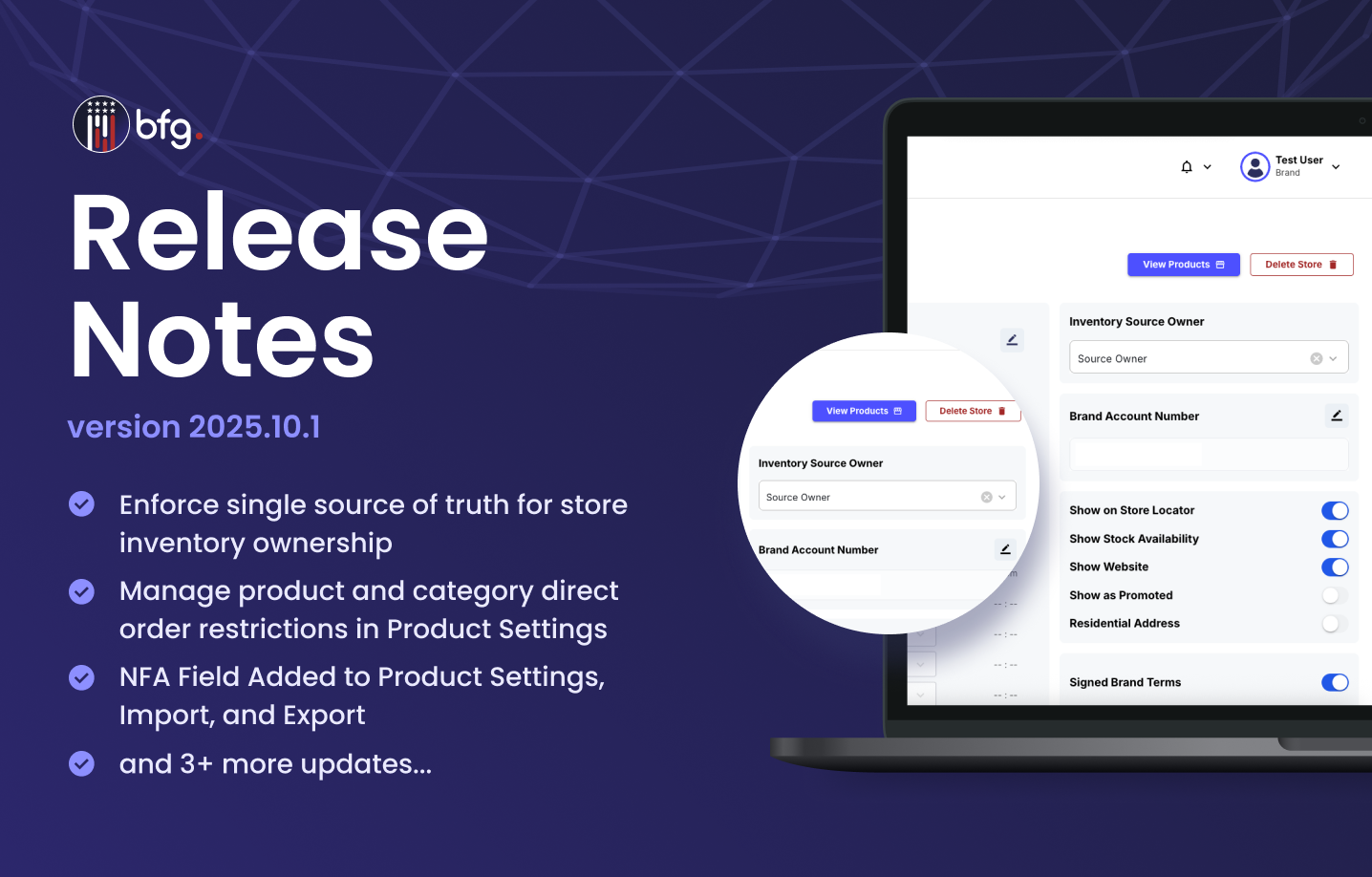
BFG Release Notes 2025.10.1
New Features
Enforce single source of truth for store inventory ownership
The Store Inventory Ownership feature introduces a single source of truth for inventory management, ensuring each store has one designated inventory source owner. This enhancement improves data accuracy and prevents conflicting updates across the BFG platform.
In the Store Inventory page, you can now use the following functionalities:
Single Ownership Enforcement
Each store has one inventory source owner responsible for managing and updating quantities. Only the assigned source can perform inventory updates.
Controlled Update Handling
Updates from non-designated sources are automatically rejected to maintain consistency.
If no owner is assigned, updates can still be made via the BFG Store Inventory screen or spreadsheet import.Activity Logging and Tracking
All updates, including rejected ones, are logged with user and source details.
These logs help identify and analyze update patterns for future improvements.
Manage product and category direct order restrictions in Product Settings
The Product Settings page, located under Orders, allows administrators to manage which products and manufacturer categories appear in the product list for Direct Ordering. This feature gives admins greater control over which products can be ordered or restricted, helping maintain compliance and operational flexibility.
In the Product Settings page, you can use the following functionalities:
Settings Tab
The Settings tab allows administrators to configure essential toggles that define how product and manufacturer restrictions are enforced across the system. Admins can enable or disable these controls to tailor product visibility and ordering permissions.
Enable Product Whitelist – Allows only approved products can be ordered.
Enable Product Blacklist – Restricts specific products from being ordered.
Enable Category Whitelist – Limits ordering to approved manufacturer categories.
Enable Category Blacklist – Restricts ordering from selected manufacturer categories.

Allowed/Restricted Products & Categories Tabs
The Allowed/Restricted Products & Categories tabs give administrators complete control over which products and manufacturer categories can be ordered or restricted. These tabs appear dynamically based on the active settings configured under the Settings tab.

NFA Field Added to Product Settings, Import, and Export
A new NFA Item field has been added to the Product Settings tab to designate products regulated under the National Firearms Act. This field is also included in product import and export templates, enabling admins to manage NFA-regulated items efficiently in bulk. When marked as an NFA item, the product is properly flagged across the BFG platform to support compliance and accurate product categorization.

Enhancements
View inventory for active and candidate stores
The Store Inventory page now includes an Include Candidate Stores checkbox to give manufacturers more control when managing inventory data. When selected, the store list shows both active and candidate stores; when cleared, only active stores appear. Selecting a store automatically displays its inventory details, which update in real time.

Add daily heartbeat API to track Technology Partner connections
The Health Check API monitors active connections between Technology Partners and Manufacturers. Technology Partners call the API daily with the store_account_id updating the last_connected_at field in store_inventory_source. Manufacturers can use this timestamp to verify the most recent partner connection and maintain reliable integration visibility.
Add last_connected_at Field to Store Inventory Source API Response
The store_inventory_source API response now includes the last_connected_at field, showing the most recent successful connection or heartbeat from a Technology Partner. This provides manufacturers and brands with clear visibility into the latest connection status.
Filter Candidate Stores from Store Management Store List API Response
The Store Management Store List API now returns only accepted active stores to provide clearer and more accurate results. Earlier, the response included both active and candidate stores, which made it difficult to identify active locations. You can now use a new filter to retrieve candidate stores separately through the API when needed.