September 17th, 2025
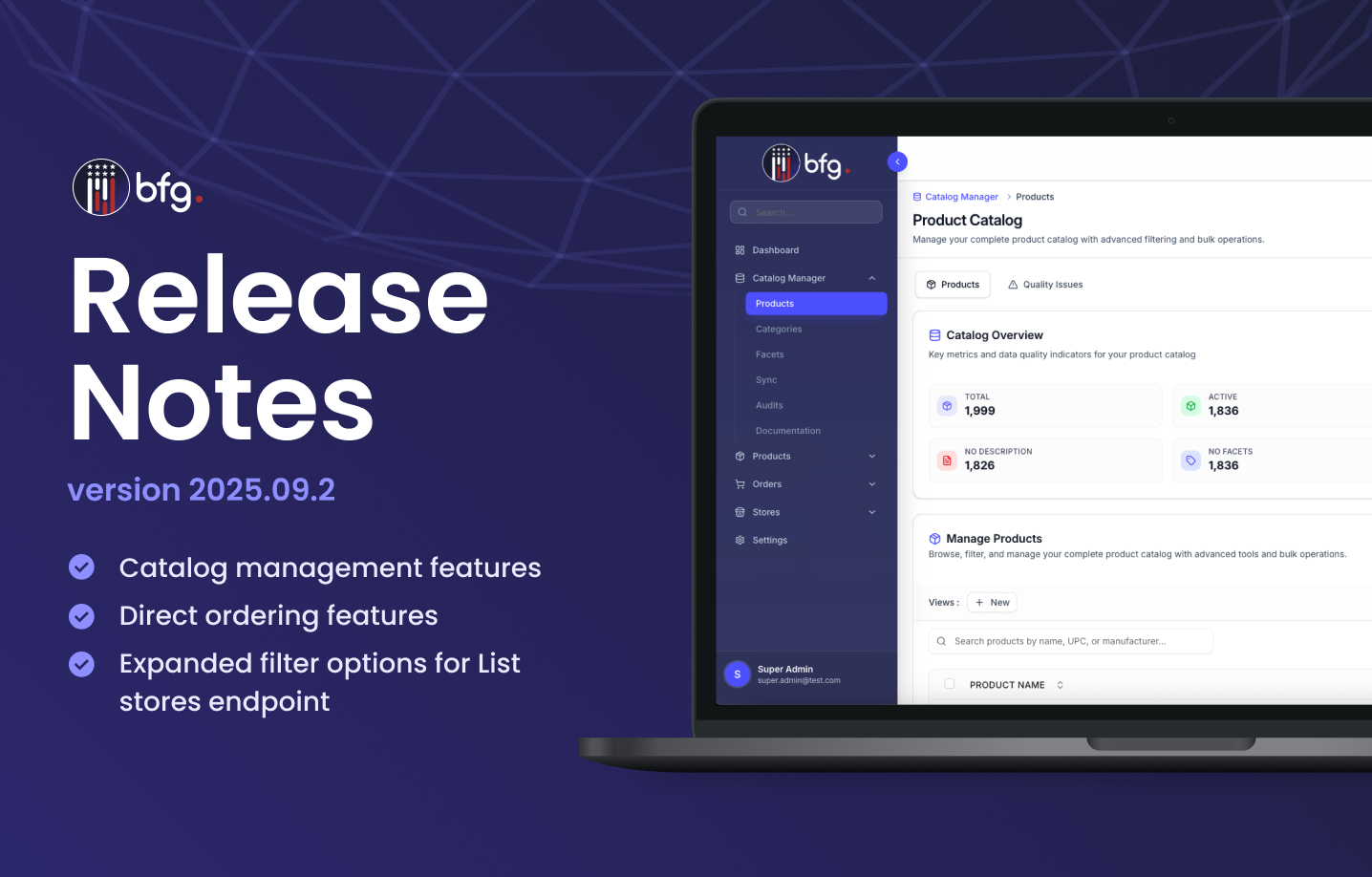
BFG Release Notes 2025.09.2
New features
Catalog management features
The Catalog Manager module provides tools for managing product data and organizing catalog structure. You can view and configure product records, manage category hierarchies, define custom facets, and review audit logs for catalog changes.
In the Catalog Manager module, you can use the following functionalities:
Product Catalog page
View high-level product data metrics and configure product records at a product level or by bulk. You can add and edit general product information, pricing fields, settings, categories, and facet values.

Category Structure Setup page
Search, organize, and manage the category hierarchy of your product catalog. You can also combine multiple categories into one to consolidate catalog structure and manually reorder categories within the hierarchy for custom organization.

Facet Structure Setup page
Create and manage custom facets for your product catalog. You can also define individual facet values to associate with products and consolidate duplicate facets or values.

All Catalog Audit Logs page
View a history of catalog changes, including updates to products, categories, facets, and facet values.

CoreY powered product, catalog, and facet quality analysis
The Catalog Manager module includes CoreY powered quality analysis tools for reviewing product, category, and facet data. A Quality Issues tab is available on the Product Catalog page, Category Structure Setup page, and Facet Structure Setup page where users can run bulk analysis and review AI-generated insights and recommendations.

The CoreY Quality Analysis Summary displays key statistics, including the total number of products analyzed, identified issues, and severity levels. A new Bulk AI Analysis action enables large-scale evaluation of product data quality. Each item includes a quality score and a list of detected issues such as missing descriptions, prices, images, categories, and facet values.

Direct ordering management features
The Orders module includes tools for managing direct ordering between companies, brands, and buyers. These tools allow you to configure ordering permissions, track order activity, and manage incoming and outgoing orders.
In the Orders module, you can use the following functionalities:
Placed Orders and Received Orders pages
View and manage orders placed by buyers and orders received from brands. Each view includes summary metrics (e.g., pending, completed, cancelled), item details, contact information, and a searchable table.
Order Settings page
Configure whether other companies can place direct orders using the Allowed Stores tab and Restricted Stores tab.
This update adds configuration options related to direct order workflows in the Orders module.
Shipping configuration settings
In Settings > Company > Shipping Settings, you can now configure shipping logic for direct ordering scenarios. These settings include the following:
Shipping Fee Settings
Define base fees, shipping rules (e.g., minimum order amount, free shipping thresholds), and associated product and category filters. These settings determine how shipping charges are applied to orders.
Shipping Boxes
Create and manage box templates with custom dimensions to support accurate shipping cost calculations.
EasyPost Integration
Connect an EasyPost API key to enable automated shipping operations. This includes:Multi-carrier rate access (USPS, UPS, FedEx, etc.)
Real-time tracking and delivery notifications
Automated label creation and printing
Address validation

Enhancements
Expanded filter options for List stores endpoint
The filter[field] query parameter for the GET /api/manufacturers/stores (List stores) endpoint now supports additional values. These values allow for more granular filtering of store data based on specific fields. The supported filter fields include:
postal_codeaddress_1,address_2,address_3tags,types,custom_attributeall,website,phone,email,full_addresshours,missing_hourssearchbfg_verified,self_verified
These updates support enhanced flexibility when querying store records using the API.
Enhancements to pre-import validation for store data imports
The pre-import validation logic for store data imports is now updated with the following changes:
The
store_pickupandonline_shoppingfields now default tofalseif no value is provided during import.The
Countryfield is now validated as a required field. If this field is empty, the import will fail validation and return an error message: “Country is required and cannot be empty.”
These updates help ensure that required fields are validated before import processing completes.