August 25th, 2025
BFG Release Notes 2025.08.4
Enhancements
Duplicate detection and reporting for store imports
The following improvements were made to the store import process, specifically for identifying and reporting duplicate entries:
When uploading a CSV file from the Upload a CSV page (Stores > Import Stores), the system now automatically detects duplicate store entries before completing the import.
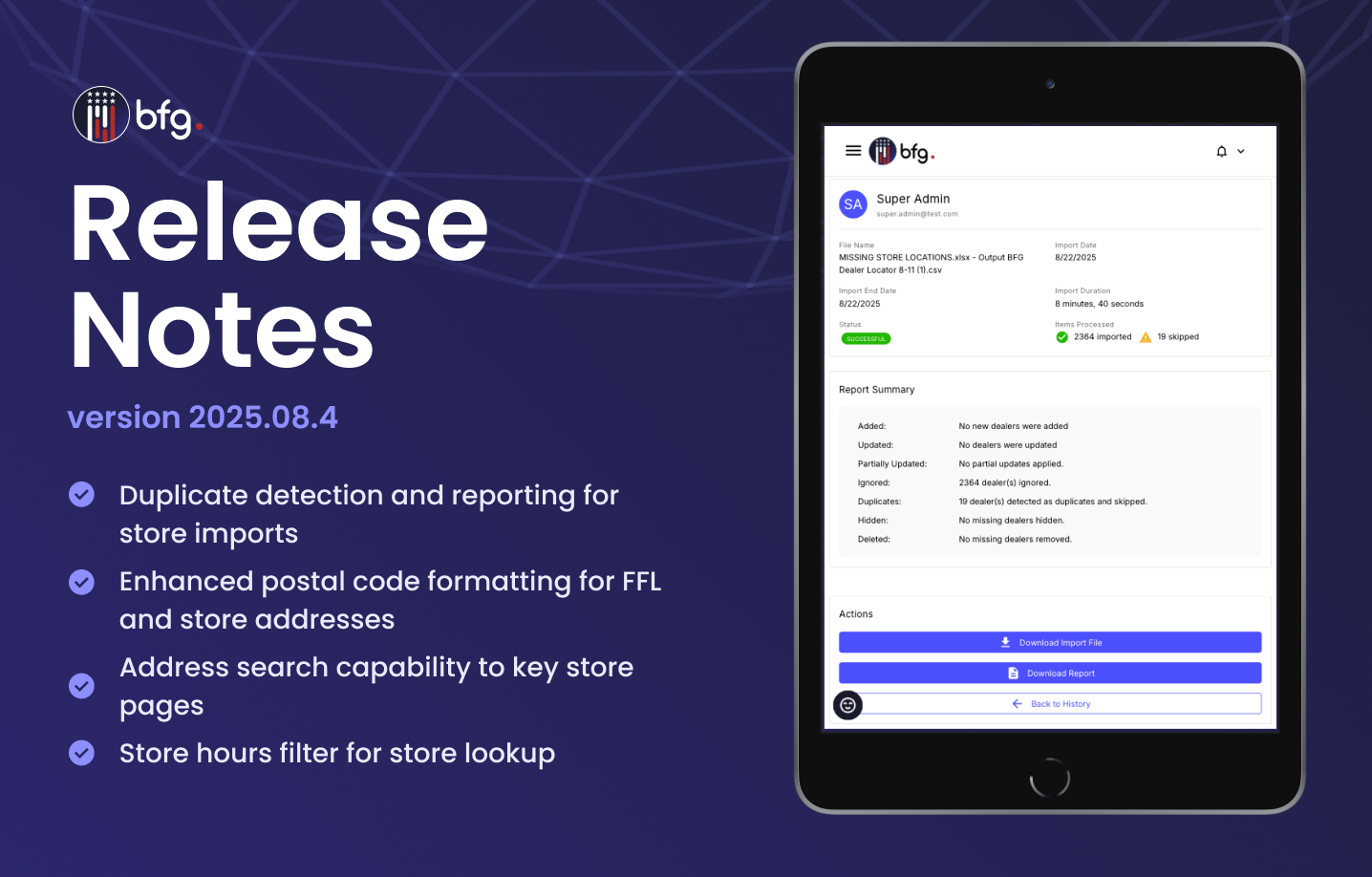
On the Import Details page (Stores > Import Stores > View History > View Details), the Report Summary section now displays the number of duplicate stores that were identified and skipped during the import.
When downloading the import report from the Import Details page, entries flagged as duplicates now include a Duplicate status in the Import Status column for easier review and filtering.
These enhancements help ensure greater data accuracy and give users clearer visibility into the outcome of their store imports.


Enhanced postal code formatting for FFL and store addresses
Postal codes sourced from Federal Firearms License (FFL) records are now formatted using standard U.S. ZIP or ZIP+4 formats (e.g., 03452-0000 or 48073-0913) for the following pages:
Your public store locator page
Stores page (Stores > Stores)
All Federal Firearms Licenses page (Stores > FFL Search)

Address search capability to key store pages
You can now search by address on the following pages to locate store or license records:
Stores page (Stores > Stores)
All Federal Firearms Licenses page (Stores > FFL Search)

Store hours filter for store lookup
On the Filter Columns panel on the Stores page (Stores > Stores), you can now use the Store Hours Status dropdown to filter stores by store hours. The new filter provides the following options:
All Stores
With Store Hours
Without Store Hours
This enhancement improves store data management by allowing users to quickly identify stores that have incomplete or missing store hours.
