July 28th, 2025
BFG Release Notes 2025.07.5
New features
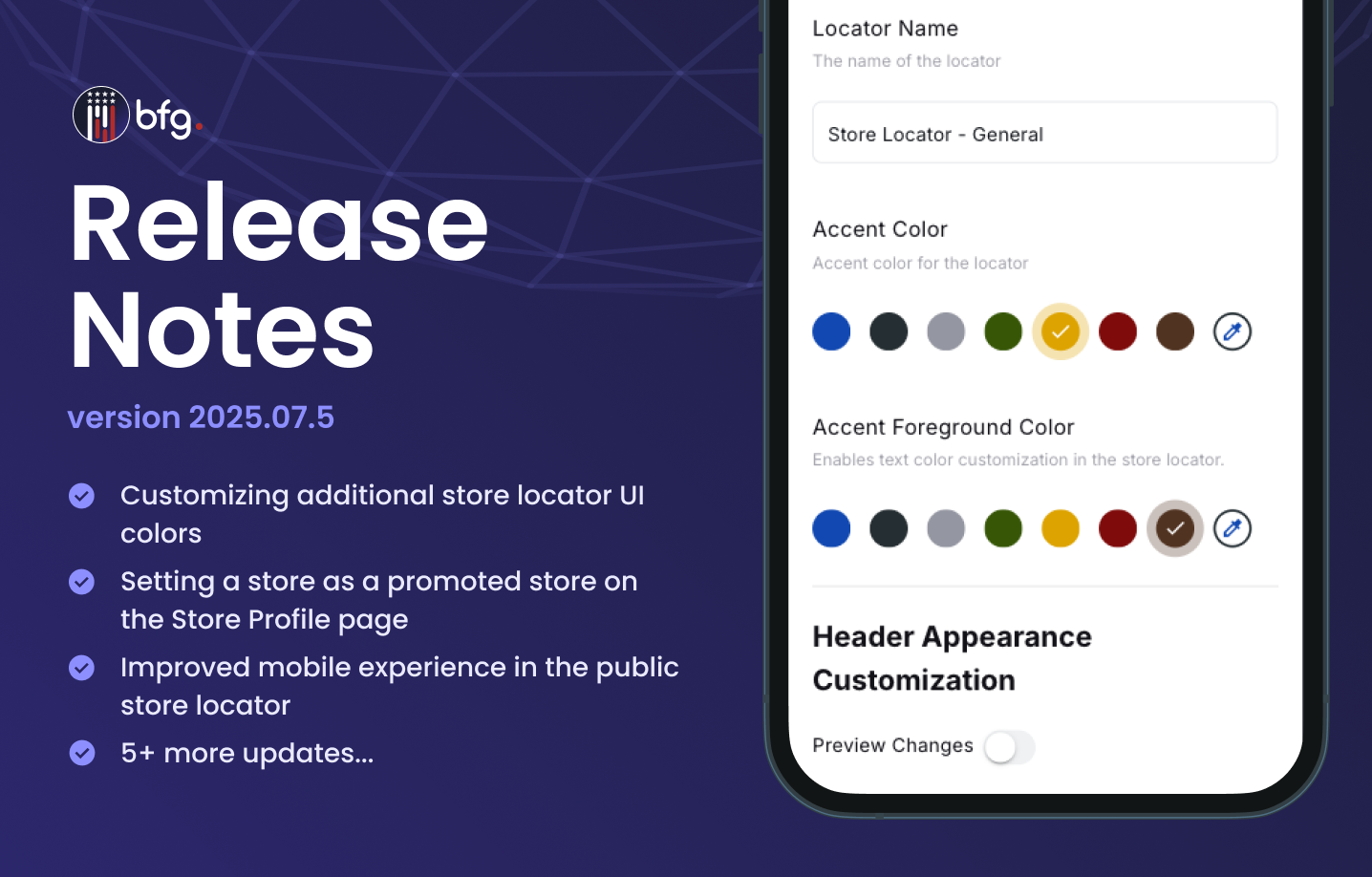
Customizing additional store locator UI colors
You can now further personalize your public Store Locator UI by editing additional color settings. Go to Settings > Store Locator > More options (⋮) > Edit to access these new options:
Accent Color: Sets the background color for the View Details button, and the selected Tag and Type filters.
Accent Foreground Color: Sets the text color for the View Details button and the Tag and Type filters.
These enhancements provide more flexibility in aligning the Store Locator with your brand's look and feel.

Enhancements
Setting a store as a promoted store on the Store Profile page
You can now mark a store as promoted in your public store locator from the Store Profile page (Stores > Stores > View Store). On the Store Profile page, use the Show as Promoted switch to highlight the store.
In addition, when exporting stores from the Stores page, a new is_promoted column is now included in the export file.

Improved mobile experience in the public store locator
This update delivers the following improvements to the store locator on mobile, making navigation, interaction, and store discovery more seamless and user-friendly:
Improved pin marker selection: Tapping a map pin now displays only the selected store in the tray, not the full list. The selected pin remains visible even when store details are long, and the map automatically repositions to keep it in view.
Updated mobile tray experience: The mobile tray now supports smooth drag and swipe interactions, with clearly defined snap states (collapsed and expanded). New controls include:
A Back button to return to the full store list.
A Close button to collapse the tray.
Display of complete store details, including email, phone, and hours.
Expanded map view: The fixed header now hides on scroll, giving more space to view the map and store information. The layout also prioritizes map visibility during store selection.
Improved legend display: The legend component now appears in a single column for better readability. It’s fully visible and aligned across screen sizes, with no overlap or cut-off from other UI elements.

Public store locator now auto-applies filters from embed code
The public store locator now automatically applies filters passed through the embed code, such as tag, type, or location, when the page loads. Previously, users had to manually enter an address before results appeared.
With this update, store results are displayed immediately based on the embedded filters, without requiring any user interaction.
store_pickup and online_shopping columns available when exporting stores
When you export stores from Stores > Stores, the CSV file now includes two new columns:
store_pickup – Set this value to TRUE to turn on the Store Pick-up Available switch on the Store Profile page (Stores > Stores > View Store).
online_shopping – Set this value to TRUE to turn on the Online Shopping switch on the Store Profile page.
You can also update these fields during import using the same values. Use these new columns to update the Store Pick-up Available and Online Shopping settings for multiple stores in bulk through the CSV file, rather than editing each store individually in the UI.
Improved store locator load performance
The public store locator now loads faster on both desktop and mobile devices. This update reduces delays when rendering the map, store pins, and store list. This is especially noticeable for users on slower connections or when the locator is embedded on third-party websites.
Resolved issues
Fixed an issue where valid dealer locator files intermittently failed to upload
Fixed an issue where updates to a store locator's Default Location didn't update the map display