July 15th, 2025
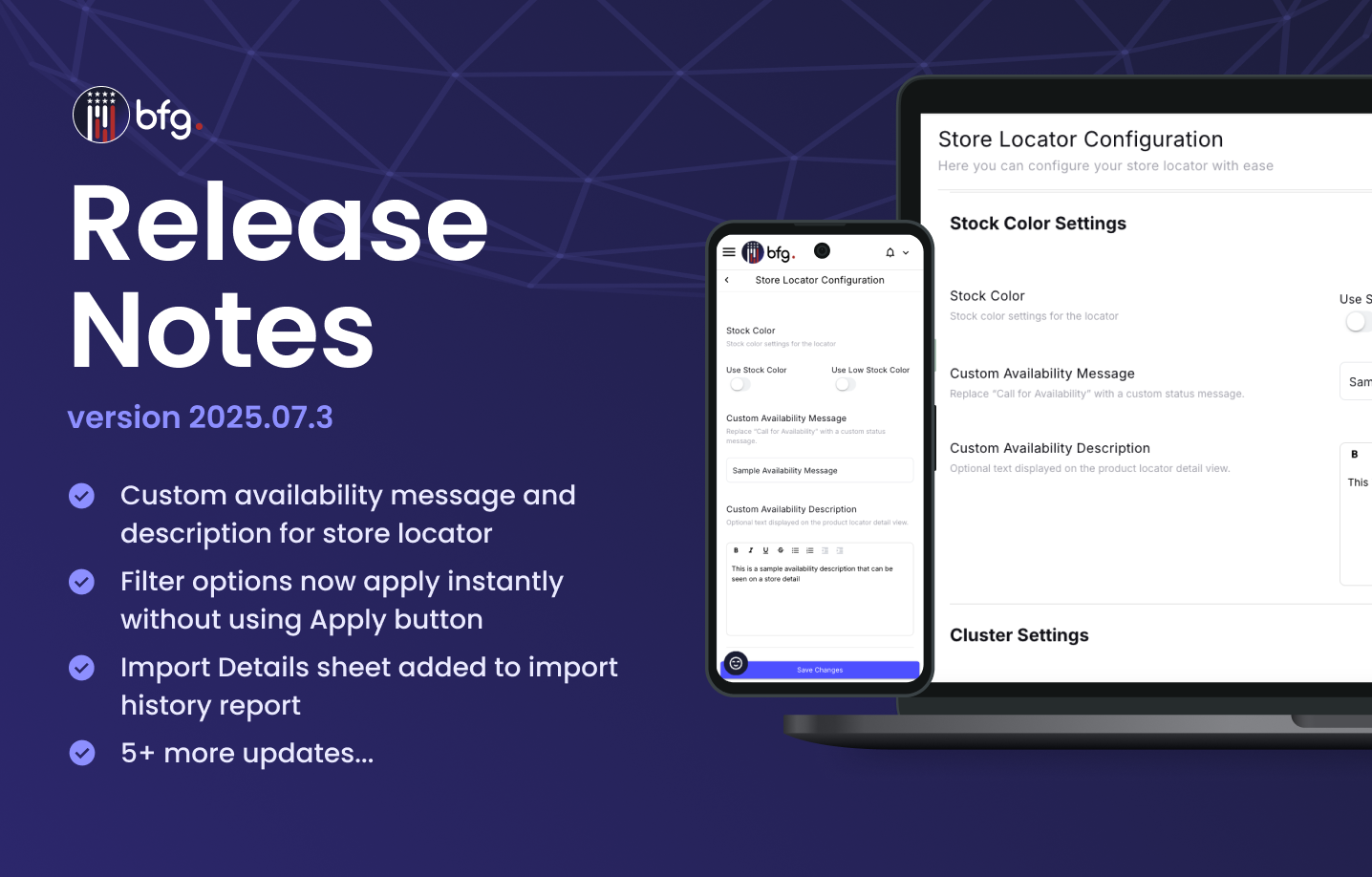
BFG Release Notes 2025.07.3
Features
Custom availability message and description for store locator
You can now customize the availability message that appears when a product has the Call for Availability stock status.
On the Store Locator Configuration page (Settings > Store Locator > Create new store locator or select the More options icon > Edit), use the following new fields to replace the default Call for Availability text:
Custom Availability Message
Custom Availability Description
This enhancement allows you to tailor the stock messaging to better match your brand voice or program-specific requirements.

Enhancements
Filter options now apply instantly without using Apply button
On your public store locator, the Apply button is now removed in the All Filters dropdown. You can now apply filters by directly clicking the tag and type options.

Import details sheet added to import history report
When you download an import history report from the Import History page (Stores > Import Stores) or the Import Details page (Stores > Import Stores > View Details), the report now includes an Import Details sheet.
This sheet provides the following:
Status, file, and system information
Colored cells to indicate differences between the import file and system data:
Red indicates a similarity percentage below 80%.
Yellow indicates a similarity percentage between 80% and 99%.
Also, the downloaded report is now in XLS format. This update helps users quickly identify and assess discrepancies between imported data and existing system records.
Store hours now visible in mobile view after selecting View Details in the store locator
In the mobile view of your public store locator, store hours and the company logo are now hidden by default. To view this information, click View Details.
Resolved issues
Fixed an issue where store pins and list did not update after address selection in the store locator.
Fixed an issue where users were unable to select multiple days in store hours.