June 10th, 2025
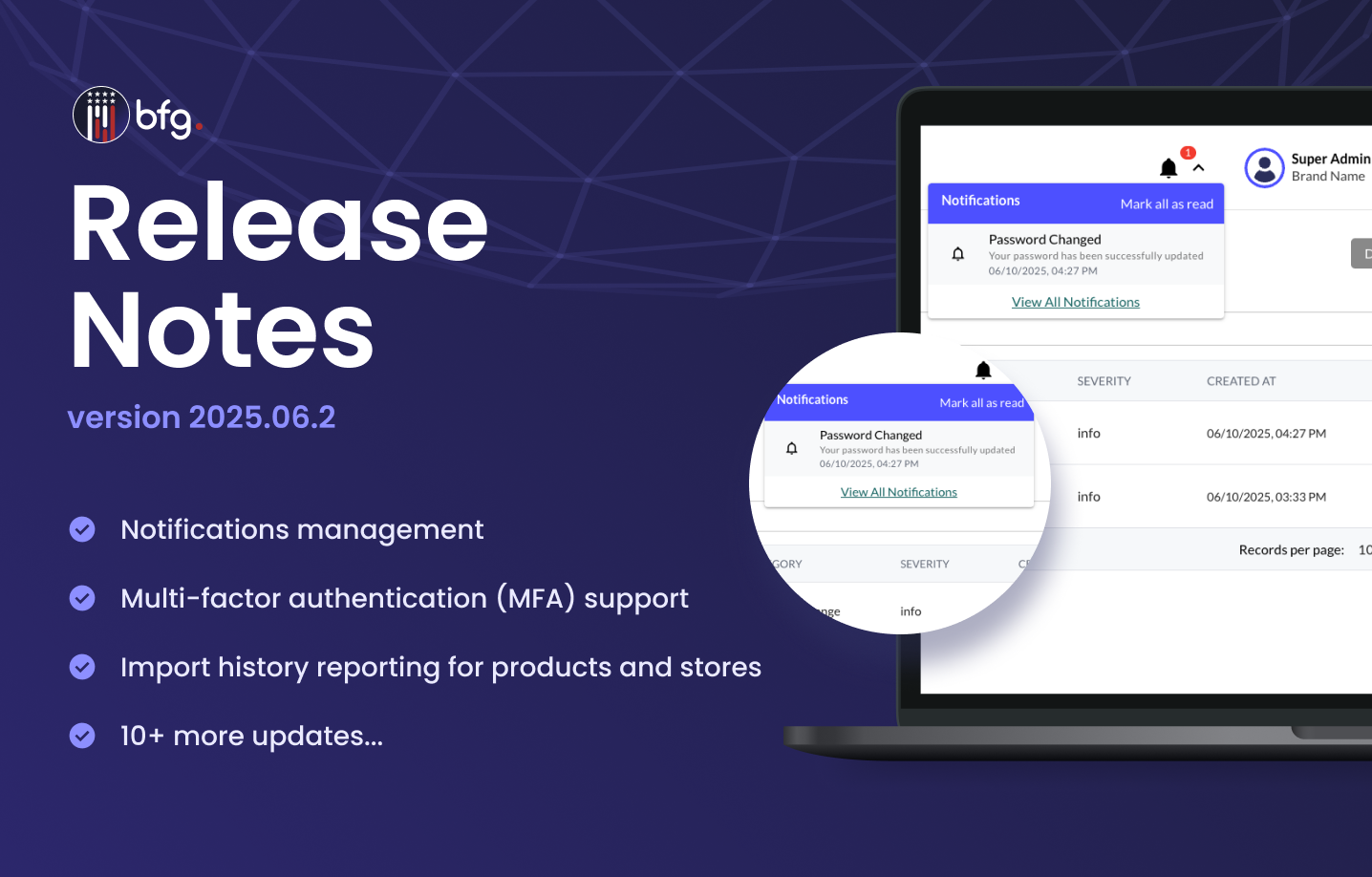
BFG Release Notes 2025.06.2
Features
Import history reporting for products and stores
You can now view and download additional information for your CSV imports of products and stores. On the Import History page (Products > Import Products > View History or Stores > Import Stores > View History), you can now do the following:
To download a report containing a summary of import details, click Download Report.
To display the Import Details page, click View Details.
On the Import Details page, you can view the following information:
File details such as file name, date of import, and import status
The number of processed, added, updated, and ignored records
Report notes containing AI insights

Multi-factor authentication (MFA) support
In the Two-Factor Authentication section on the User Profile page (Settings > Account Settings), you can now enable multi-factor authentication before sign-in by selecting the following checkboxes:
Email: Sends an OTP to your email that expires in 10 minutes.
SMS: Sends an OTP to your mobile number that expires in 10 minutes.
Authenticator: Displays a QR code for scanning using your authenticator app
Notifications management
You can now manage notifications in BFG for in-app and email notifications based on the following:
System alerts: webhook failures, FFL download failures, API downtimes
Operational updates: inventory sync delays, dealer order status changes
User-specific events: password changes, role assignment changes
Depending on your preference, you can also set the frequency of notifications to instant, daily, and weekly.

Enhancements
CSV import enhancements for products and stores
On the Upload a CSV page (Products > Import Products or Stores > Import a Store), the following enhancements were made:
The maximum file size for CSV imports is now 15 MB.
During a CSV import, a button now displays the progress percentage.
Store Locator Configuration page UI enhancements
On the Store Locator Configuration page, the following UI enhancements were made:
Preview and Get Embed Code are now under the more options icon.
Pre-selected color options and a color picker are now available for the following sections:
General Information
Store List Customization
Map Settings
In the Store List Customization section, you now change the default subtitles (e.g. Promoted Stores, Stores Near You) using the Promoted Stores Label field and Stores List Label field.
Checkboxes for enabling displays are now toggles.
The Additional Query Parameters field is now moved from the View tab to the Analytics tab.
For a General type store locator, you can now use HTML to format the header in the Header HTML field. This lets you add rich text (like bold, italics, and lists) and embed images, icons, or videos.
The Mobile tab is now removed.

These enhancements give you more control on customizing your public store locator for text, colors, and images:

Store Locator List page UI enhancements
On the Store Locator List page (Settings > Store Locator), the following buttons are now under the more options icon:
Get Embed Code: Displays the Generated Embed Code window containing the store locator code for use on your webpage
Edit: Displays the Store Locator Configuration page
Preview Locator: Opens a new tab for a preview of your public store locator
Delete Locator: Deletes your store locator
Stores page UI enhancements
On the Stores page (Stores > Stores), the following buttons are now under More Actions:
Store Locator: Displays the Show on Store Locator and Hide from Store Locator options
Set Tags: Displays the Select tags for selected store window
Set Types: Displays the Select types for selected store window
Resolved issues
Fixed an issue where the column headers of the exported CSV file of products and stores did not match the imported CSV file.
Fixed an issue that caused the View Product button and Store Locator legends to be misaligned on mobile devices.
Fixed an issue where the View History button was displayed on the Products > Import Products page when the Import permission was disabled in the Products History group.
Fixed an issue where the MAP Policies History, Product Inventory, Product Inventory History, and Users groups incorrectly displayed Import and Associate permissions not supported by their functionality.